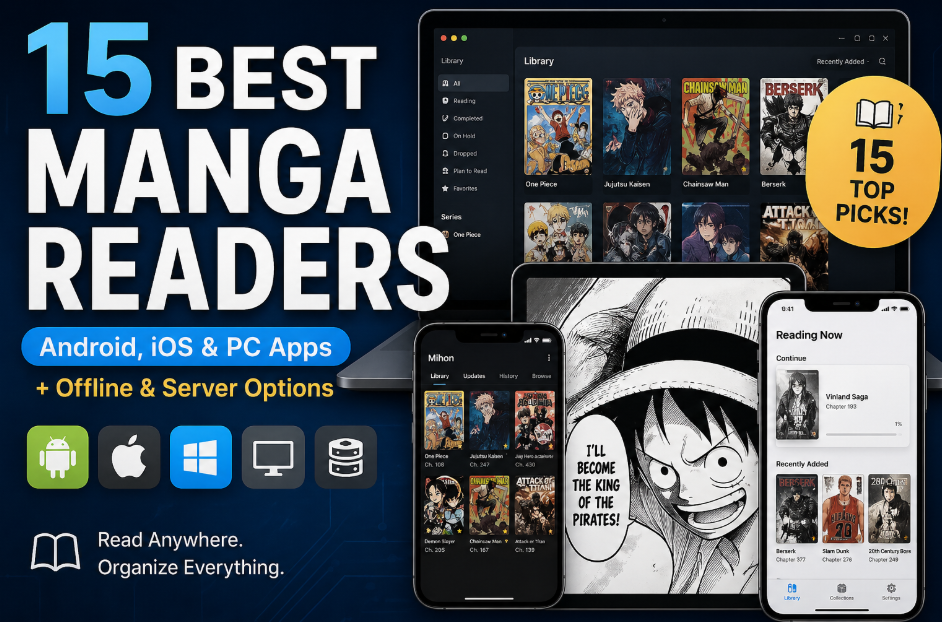
Manga reading in 2026 has become more flexible than ever, but also more fragmented. With so many apps spread across Android, iOS, desktop platforms, offline readers, and self-hosted server solutions, it is no longer straightforward to decide which manga reader actually fits your needs. Some readers simply want a clean and easy app to read manga instantly, while others prefer advanced tools with extension support, full library management, or even self-hosted systems that can sync across multiple devices.
Because of these different use cases, there is no single “best” manga reader that works for everyone. The right choice depends entirely on how you read, where you read, and how much control you want over your manga library. In this guide, we break down the Top 15 Best Manga Readers in 2026, covering apps and tools across Android, iOS, PC, offline reading, and self-hosted ecosystems, so you can quickly find the option that best matches your reading style.
Categorized Breakdown: Finding the Perfect Tool for Your Reading Style
To help you navigate the sea of options available in 2026, we have categorized the top 15 tools based on their platform, core functionality, and specialized use cases.
Group 1: Android Manga Readers (The Powerhouses)
Focus: Open-source ecosystems, modular extensions, and mobile-first customization.
| App Name | Platform Support | Pricing Model | Primary Source | Best For... |
| Mihon | Android | Free (OSS) | Extensions | The gold standard for Tachiyomi veterans. |
| Kotatsu | Android | Free (OSS) | Built-in Sources | Casual readers wanting a "plug-and-play" experience. |
| Perfect Viewer | Android | Freemium | Local Files | Hardcore collectors of local CBZ/CBR archives. |
Group 2: iOS Manga Readers (The Polished Choice)
Focus: High-fidelity UI, smooth gestures, and iPadOS optimization.
| App Name | Platform Support | Pricing Model | Primary Source | Best For... |
| Panels | iOS, iPadOS, macOS | Freemium | Local & Cloud | Apple fans who prioritize aesthetics and iCloud sync. |
| Paperback | iOS, iPadOS | Free (OSS) | External Bundles | Power users seeking a modular experience on iPhone. |
| Aidoku | iOS, iPadOS | Free (OSS) | WebAssembly | Minimalists who want a fast, lag-free reading engine. |
Group 3: Offline & Lightweight Readers (The Speed Demons)
Focus: Zero loading times, legacy hardware support, and extreme privacy.
| App Name | Platform Support | Pricing Model | Primary Source | Best For... |
| CDisplayEx | Windows, Android | Freemium | Local Files | Opening massive 10GB archives instantly on desktop. |
| SumatraPDF | Windows | Free (OSS) | Local Files | Low-spec Windows PCs and no-nonsense reading. |
Group 4: Desktop Library & Reader Tools (The Organizers)
Focus: Large-screen library management, metadata tagging, and unified sync.
| App Name | Platform Support | Pricing Model | Primary Source | Best For... |
| YACReader | Win, Mac, Linux, iOS | Free (PC) / Paid (iOS) | Local + Server | Professional-level library curation (Note: No Android). |
| Koodo Reader | All Platforms | Free (OSS) | Local + Cloud Sync | A unified experience across mobile, web, and PC. |
| OpenComic | Windows, Mac, Linux | Free (OSS) | Local Files | Open-source purists who prefer a modern |
Group 5: Self-host & Advanced Ecosystems (The Next-Gen)
Focus: NAS integration, home servers, and decentralized reading.
| App Name | Platform Support | Pricing Model | Primary Source | Best For... |
| Komga | Server (Docker/Desktop) | Free (OSS) | Self-hosted | Creating your own "Private Netflix" for Manga. |
| Komikku | Linux (Flatpak) | Free (OSS) | Online Sources | Native Linux users looking for a clean GNOME app. |
| Suwayomi | Server / Browser | Free (OSS) | Extensions | Accessing your library via any web browser. |
| Mangayomi | All Platforms | Free (OSS) | Multi-Source | 2026 Black Horse: Best for Manga + Anime fans. |
The Elite 8: The Gold Standard of 2026
These are the most stable, community-vetted, and reliable tools. If you want a seamless experience without bugs, start here.
1. Mihon (Android)
Download: Official Website
Pricing: 100% Free (OSS).
Support: Online Extensions; Local CBZ, ZIP, and Folders.
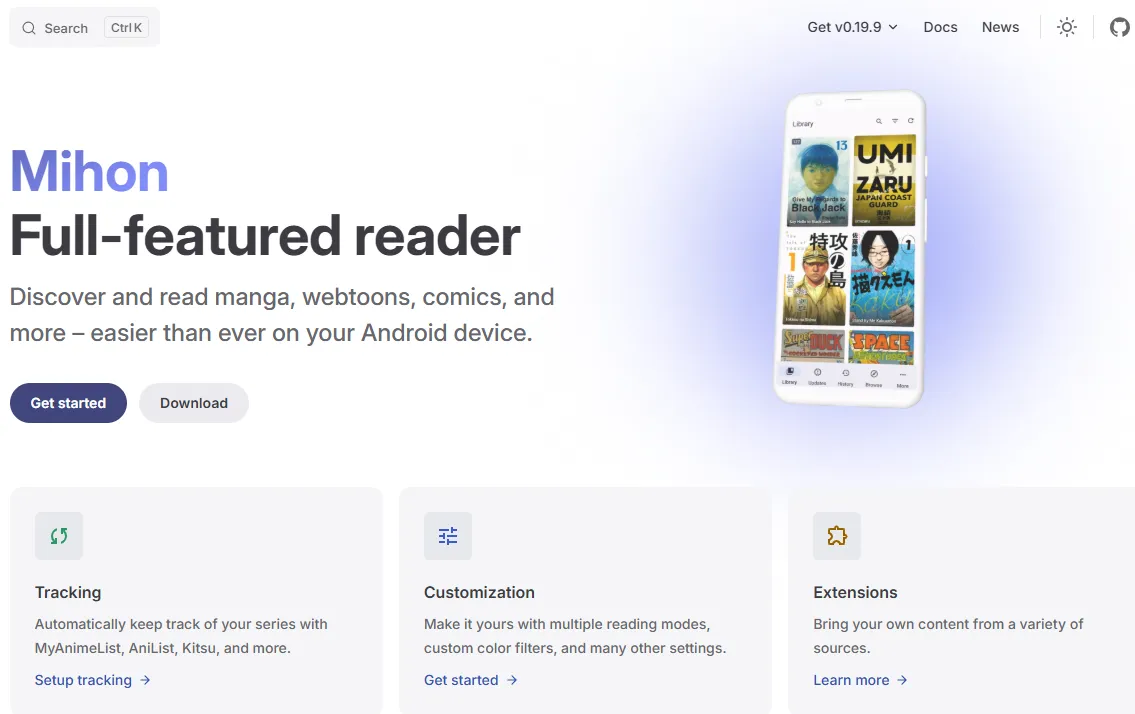
Mihon acts as the modern successor to Tachiyomi, providing a powerful, open-source shell for Android enthusiasts. Its philosophy is built on decentralization, meaning the app remains a lightweight framework while users curate their own library by connecting to external source repositories.
Key Features:
-
Sandboxed Extension Engine: Executes scrapers in an isolated environment to ensure system security and stability.
-
Smart Background Fetcher: Periodically pings repositories for new chapters without waking the device's CPU unnecessarily.
-
Dynamic UI Theming: Automatically adapts the reader's interface colors to match the cover art of the manga you are reading.
-
Tracker Automation: Uses OAuth2 to securely bind with AniList or MAL for real-time progress broadcasting.
Best For: Users who want a private, ad-free, and infinitely expandable online library.
Pros: Unrivaled Freedom. You are never locked into a single source; if one site goes down, your library migrates in seconds. It also boasts Elite Efficiency, being the gentlest app on battery life during 5+ hour reading marathons.
Cons: Requires manual repository setup which can be a hurdle for non-technical users.
2. Kotatsu (Android)
Download: GitHub Releases
Pricing: 100% Free (Open Source).
Support: Online Catalogs (1,200+ sources); Local CBZ, CBR, ZIP, RAR, PDF, and EPUB.
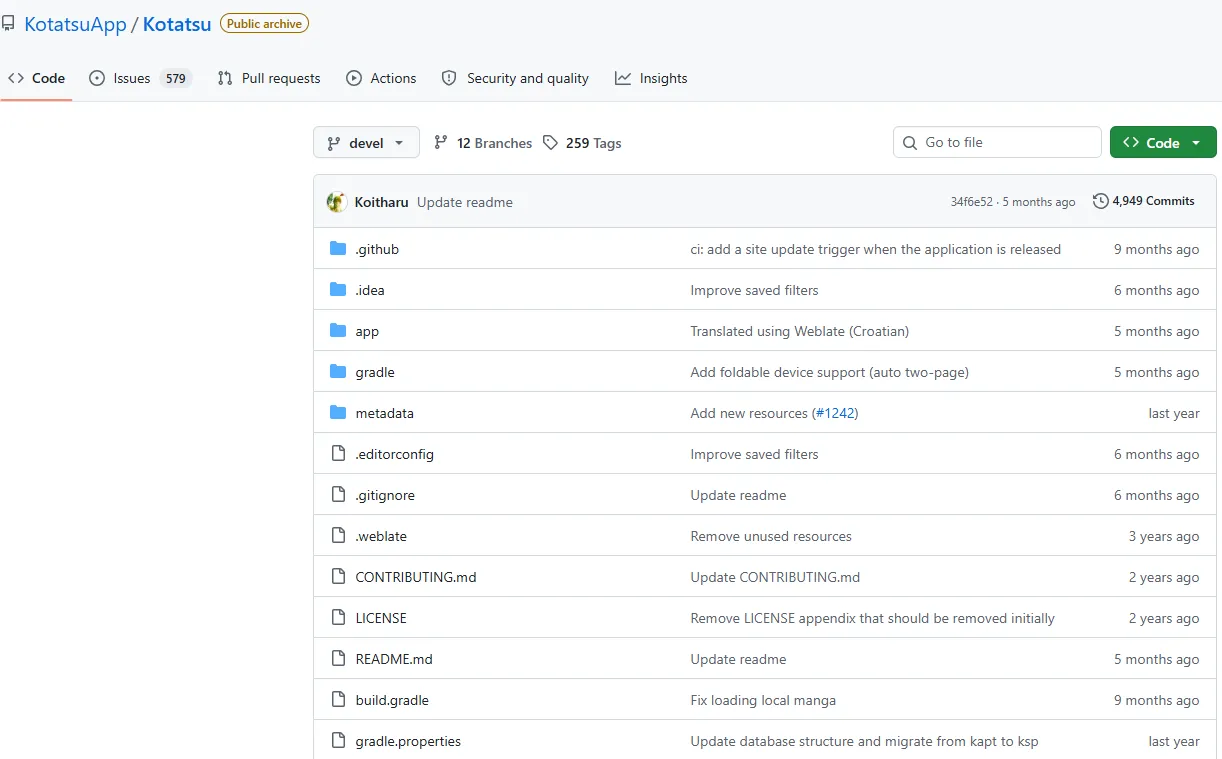
Kotatsu is a high-performance, open-source manga reader that prioritizes a "plug-and-play" experience. Unlike modular apps that require manual extension management, Kotatsu comes with an integrated engine that connects to over 1,200 sources out of the box, making it the most accessible powerhouse for Android users who want immediate access to global catalogs.
Key Features:
-
Integrated Parser Engine: Features built-in support for a massive array of sources, eliminating the need to hunt for external repository links or individual extension APKs.
-
Aggregated Search Logic: Allows users to query the entire library of 1,200+ sources simultaneously, sorting results by scan quality, language, or release date.
-
Adaptive Material You UI: A modern, clean interface that fully supports dynamic theming on Android, optimized for seamless switching between phones, tablets, and desktop modes.
-
Batch-Caching System: A specialized multi-threaded downloader designed for 2026’s high-speed networks, capable of storing entire series for offline reading with a single tap.
-
Cross-Device Data Sync: Includes a native synchronization feature that keeps your favorites, reading history, and bookmarks consistent across multiple Android devices under the same account.
-
Granular Content Privacy: Provides biometric security (Fingerprint/Face ID) and a dedicated "Incognito Mode" that pauses history and tracking for private reading sessions.
Best For: Casual readers who want a high-speed, comprehensive manga library with zero setup or technical configuration.
Pros: The fastest "search-to-read" workflow on Android; extremely stable and user-friendly; excellent support for older devices (Android 6.0+).
Cons: Less flexibility for users who want to write or sideload their own custom scraping scripts compared to Mihon.
3. Panels (iOS/iPadOS)
Download: App Store
Pricing: reemium (Basic features free; Panels+ subscription at ~$14.99/year).
Support: CBR, CBZ, PDF, Comic-EPUB, WebP, and Folders.
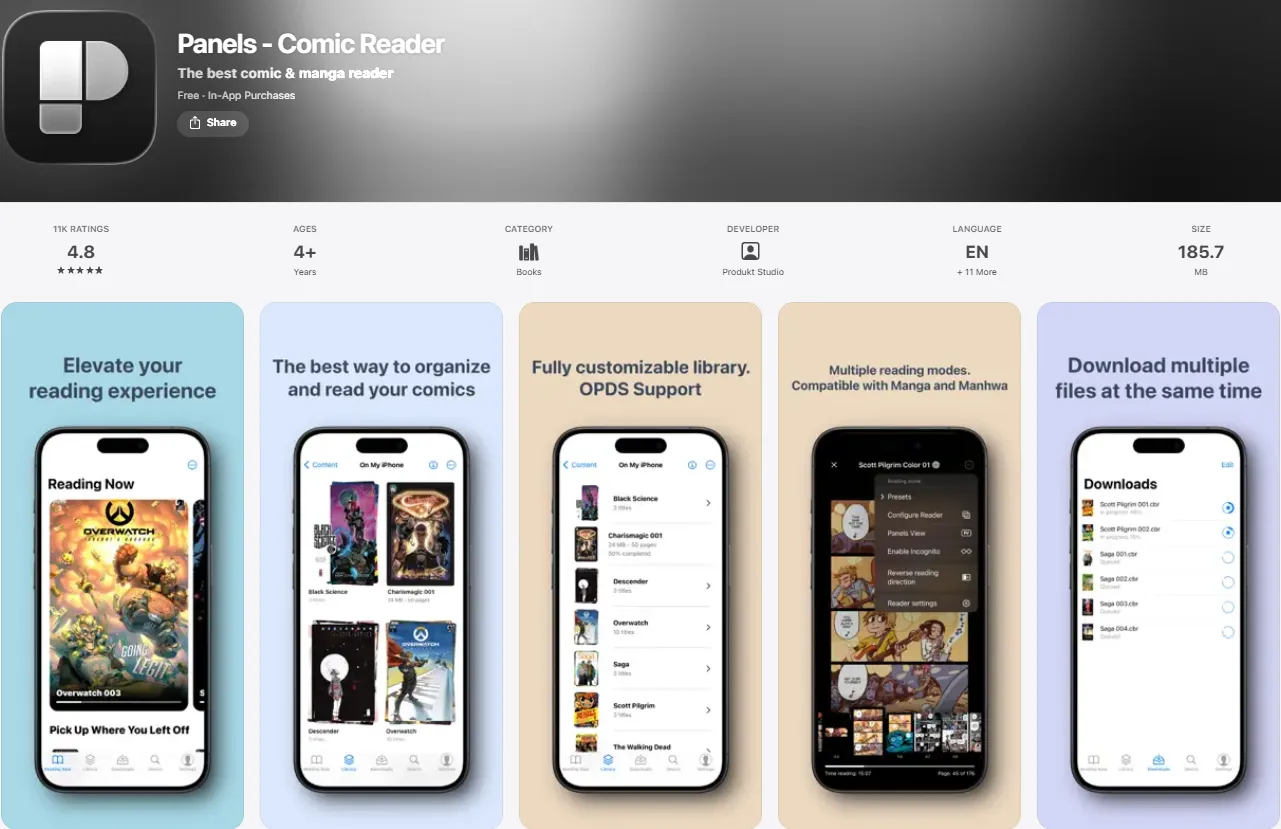
Panels is the definitive luxury choice for the Apple ecosystem, designed to make digital manga feel like a high-end physical publication. It focuses on the synergy between software and Apple’s high-performance hardware, delivering a fluid, gesture-heavy experience.
Key Features:
-
Metal API Rendering: Offloads image decoding to the GPU for instantaneous 120Hz page turns, even with 100MB+ high-res archives.
-
On-the-fly Cloud Decompression: Reads compressed archives directly from iCloud, Google Drive, or Dropbox without needing to download the entire file first.
-
AI-Powered Smart Focus: (2026 Update) Automatically calculates the optimal zoom path for vertical reading on iPhone, guiding your eyes from panel to panel.
-
Native Live Text Integration: Leverages iOS's OCR to allow users to long-press any text in a scan to translate, copy, or search it instantly.
-
Haptic Interface Support: Utilizes the Taptic Engine to provide subtle physical feedback when reaching the end of a volume or toggling reading modes.
-
OPDS & Server Bridge: Seamlessly connects to self-hosted servers like Komga or Ubooquity for a unified home-to-mobile library.
Best For: iPad Pro and Air users who value aesthetics, smooth gestures, and cloud convenience.
Pros: Minimalist Luxury. The interface "disappears" while you read, leaving only the artwork. Its Zero-Storage Footprint is a lifesaver for users with 64GB or 128GB iPads who have terabytes of manga in the cloud.
Cons: Most "quality of life" features are locked behind the Panels+ subscription.
4. Paperback (iOS/iPadOS)
Download: Paperback Official Website | App Store
Pricing: Free (Optional Patreon for cloud sync and early beta access).
Support: External Source Bundles (JS/TS based); Local CBZ/CBR import.
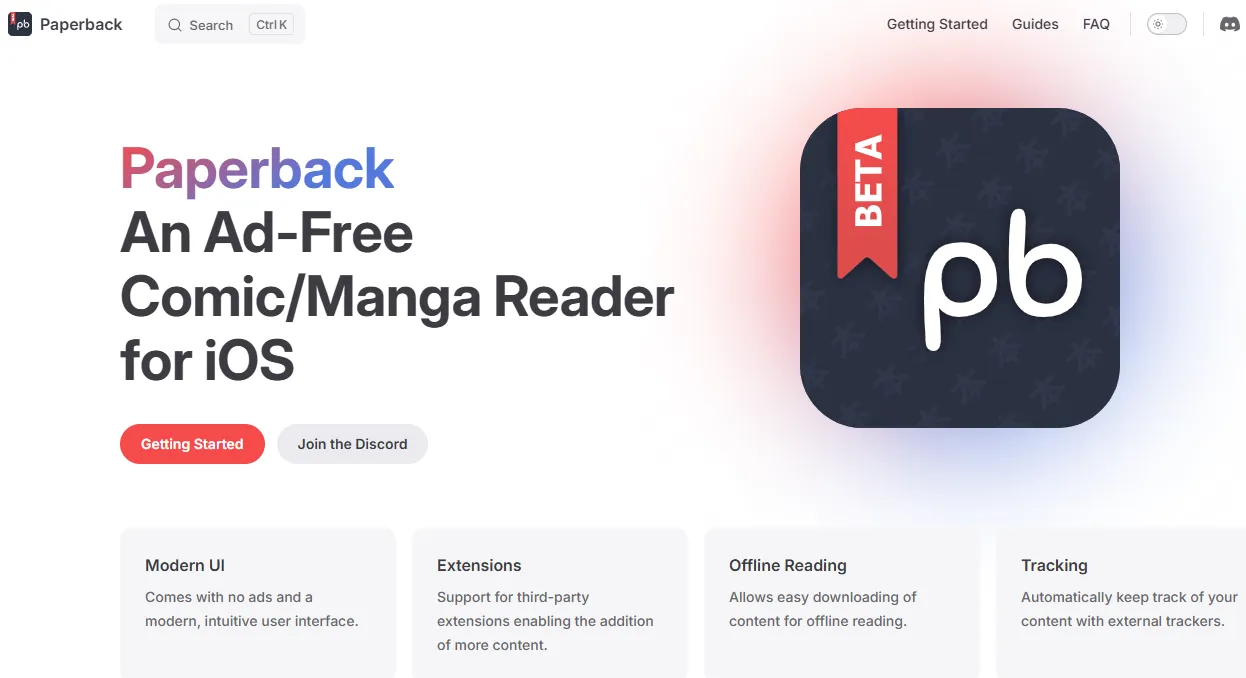
Paperback is a modern manga reader for iOS that brings the modular freedom of Android to the Apple world. It is designed for users who want a clean, ad-free interface and total control over their sources through a decentralized model that bypasses traditional App Store content limitations.
Key Features:
-
Modular Bundles Architecture: A scriptable source model that allows users to sideload their own scrapers, ensuring the app itself remains a neutral, legal shell.
-
120Hz ProMotion Optimization: Specifically tuned for modern iPhones for ultra-fluid vertical and horizontal scrolling without ghosting.
-
Stateful Source Migration: (2026 Feature) Easily migrate your library and reading progress from a broken or dead source to a new one with a single tap.
-
Advanced Tracker Binding: Direct OAuth2 integration with AniList and MAL to automate status updates (Reading, Completed, Dropped) as you read.
-
Privacy-First Design: Zero telemetry, no data collection, and no middle-man servers; your reading habits stay strictly on your device.
-
Clean UIKit UI: Built entirely in native Swift, making it incredibly lightweight and responsive even on legacy iPhone models.
Best For: Tech-enthusiast iPhone users who want an ad-free, open-source experience similar to the freedom of Mihon.
Pros: Absolute Decentralization. You are never dependent on the developer for content updates. It offers a Modern & Crisp UI that feels faster and lighter than any official manga app.
Cons: Setting up source bundles often requires joining community Discord servers; not as "out-of-the-box" as Kotatsu.
5. Komga (Server/NAS)
Download: Official Website
Pricing: 100% Free (Open Source).
Support: CBZ, CBR, PDF, EPUB.
Komga is the "Plex" for manga fans, serving as a dedicated media server for your personal digital library. It is designed to run on a home PC or NAS, turning a messy folder of compressed images into a professional, searchable, and streamable digital archive accessible from any device.
Key Features:
-
API-Driven Backend: Allows third-party apps like Mihon, Panels, and YACReader to connect via OPDS or native API for high-speed streaming.
-
Automatic Metadata Enrichment: Scans your library and automatically pulls high-res covers, series descriptions, and artist tags from online databases.
-
Multi-User Permission System: Create different accounts for family or friends with custom access levels to specific libraries or genres.
-
Smart Collections & Read-Lists: Automatically group series into story arcs or custom collections based on metadata tags.
-
Library Health Monitor: Identifies corrupted ZIP/RAR archives and identifies missing chapters in your collection.
-
Responsive Web Reader: A full-featured browser-based reader that supports R-to-L reading and cross-device progress syncing.
Best For: Serious collectors with massive (1TB+) local libraries who want to host their own private "Manga Netflix."
Pros: Total Library Control. Your files stay on your hardware, but your library feels like a premium streaming service. It provides Unified Cross-Platform Sync, so you can start on a PC and finish on a phone.
Cons: Requires a dedicated server or a PC that stays on 24/7; initial setup (Docker/Java) can be technical.
6. YACReader (Windows/macOS/Linux/iOS)
Download: Official Website
Pricing: Free for Desktop; iOS app is a one-time purchase (approx. $4.99).
Support: CBR, CBZ, PDF, 7Z, RAR, TAR.
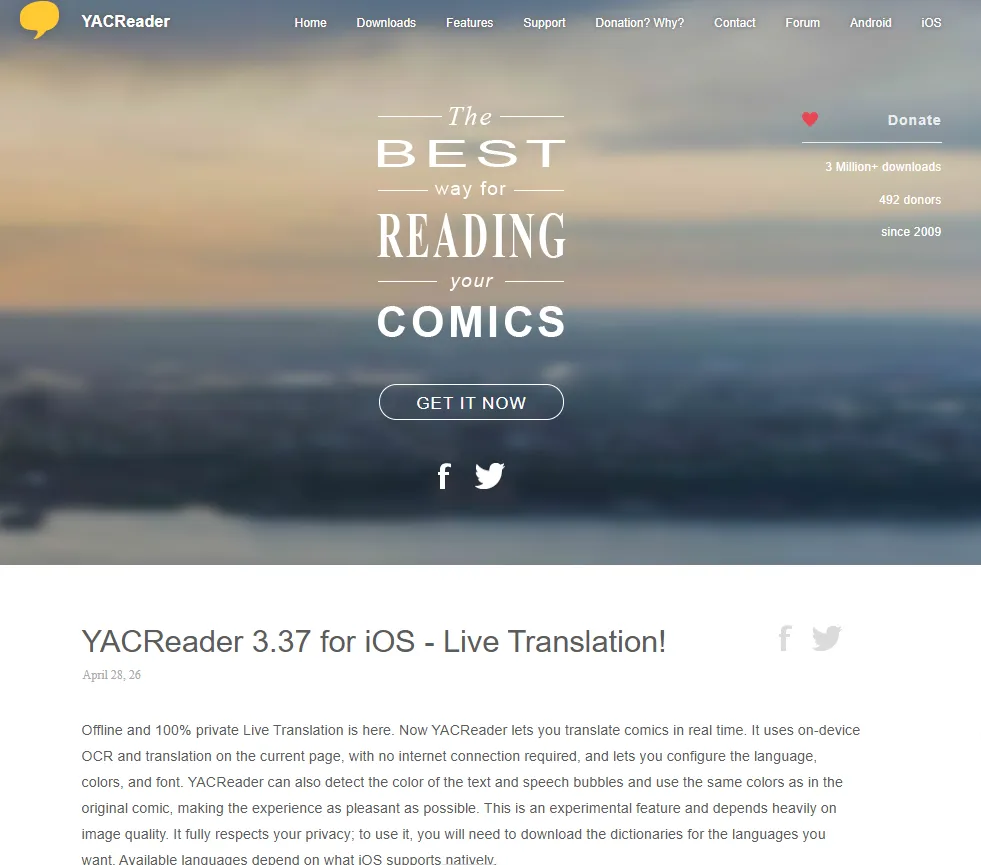
YACReader is a professional-grade comic management ecosystem that focuses on heavy-duty library curation. It consists of a sophisticated desktop "Library" manager for your computer and a high-performance "Reader" app for iOS, creating a seamless bridge between your PC’s hard drive and your tablet.
Key Features:
-
YACReader Library Manager: A dedicated PC/Mac application for tagging, fixing broken metadata, and bulk-renaming thousands of manga files.
-
Signature 3D Flow View: A visually iconic browsing mode that allows you to flip through comic covers like a virtual 3D stack, making large libraries fun to navigate.
-
Direct Wi-Fi Streaming: Built-in "Remote View" allows your iPad to browse and read your PC's library over local Wi-Fi without ever transferring a file.
-
On-Device AI OCR: (2026 Feature) Integrated AI tool that allows you to tap any text in a scan to translate it instantly or copy it to the clipboard offline.
-
Advanced Image Restoration: Includes real-time brightness, contrast, and gamma correction tools to "clean up" dark or yellowed scans on the fly.
-
Native Archive Support: One of the few readers that can natively open comics inside 7z, RAR, and TAR archives without needing to extract them first.
Best For: Users who prefer managing their massive comic collection on a computer but reading remotely on an iPad.
Pros: Superior Organization. It turns a messy folder of files into a professional digital archive. Its Remote Streaming is the fastest way to read local files on iOS without using up iPad storage.
Cons: No native Android client; the iOS app is a paid purchase.
7. CDisplayEx (Windows/Android)
Download: Official Website | Google Play
Pricing: Freemium (Pro version is a one-time purchase of approx. $5.99).
Support: Every archive format including RAR5, 7Zip, and high-res WebP.
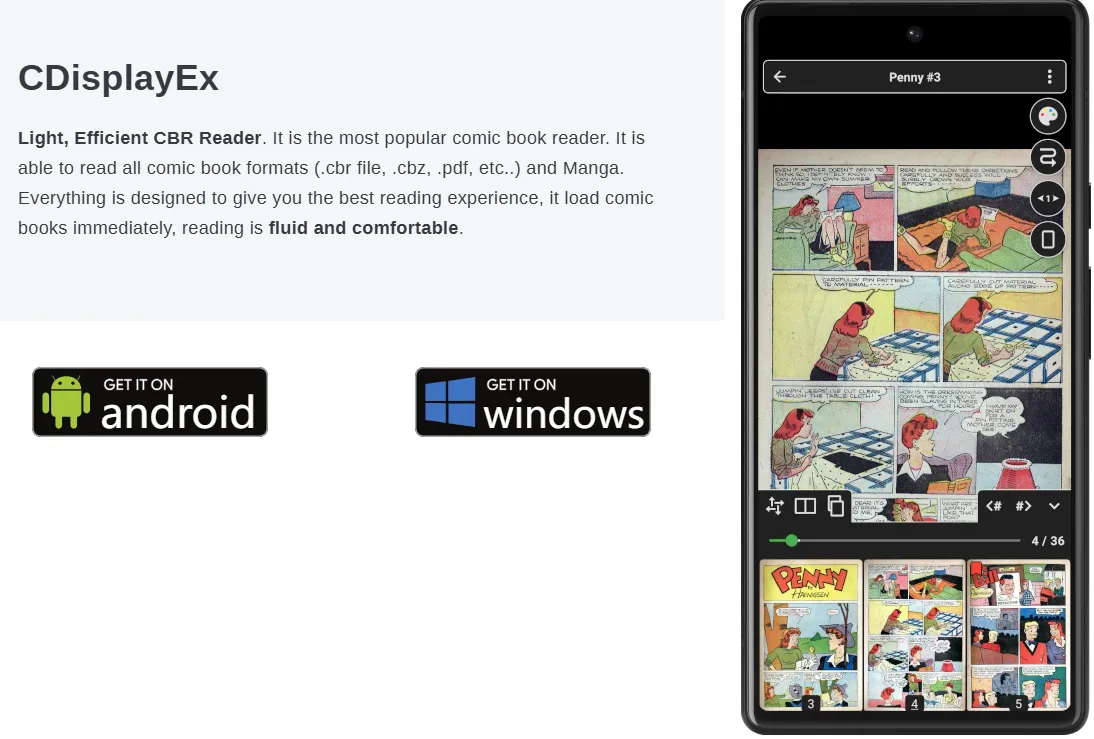
CDisplayEx is a legendary name in the community, widely regarded as the fastest and most efficient image-rendering engine ever built. It is the "VLC of manga readers," prioritizing raw decoding speed and hardware optimization over fancy interface elements.
Key Features:
-
GPU-Accelerated Scaling: Uses custom-tuned Lanczos and Bicubic algorithms to ensure ultra-high-resolution 8K scans render with zero stutter on 4K monitors.
-
Automatic Page Restoration: A powerful real-time filter that intelligently whitens yellowed scans and sharpens blurry text for better contrast.
-
Native Network Protocols: Directly connects to network shares via SMB, FTP, SFTP, or WebDAV, allowing you to read comics stored on a NAS or a router.
-
Leap Motion & S-Pen Support: Includes advanced gesture controls for hand-tracking (PC) and pressure-sensitive scrolling for styluses (Android).
-
Ultra-Low Memory Footprint: Specifically designed to run fluidly on budget hardware or older devices that struggle with modern, heavy apps.
-
Continuous Scrolling Mode: Perfect for Webtoons, providing a seamless vertical flow even between different image files in a folder.
Best For: Performance purists who read high-resolution local files and want the fastest engine available.
Pros: Unmatched Raw Speed. No app opens large files faster. It offers Professional Image Enhancement, making even poor-quality scans look crisp and modern.
Cons: The user interface is utilitarian and feels "old-school" compared to modern competitors like Panels.
8. Koodo Reader (All Platforms)
Download: Official Website | GitHub Releases
Pricing: 100% Free (Open Source).
Support: 15+ formats including EPUB, PDF, CBZ, CBR, MOBI, AZW3, and TXT.
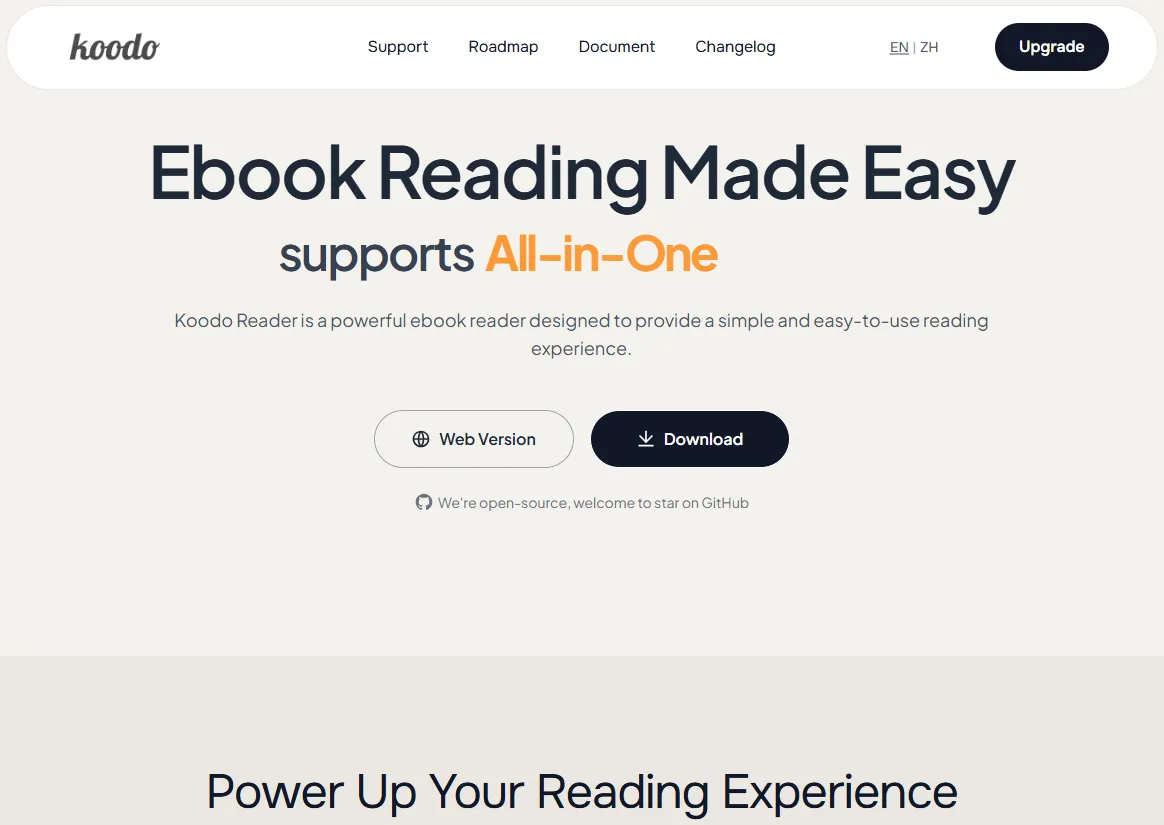
Koodo Reader is a modern, all-in-one ebook reader that bridges the gap between manga (images) and light novels (text). Built on web technologies, it offers a consistent, "Zen-like" experience whether you are on a Windows desktop or a mobile tablet.
Key Features:
-
AI Translation & Summarization: (2026 Update) Features a built-in AI module that can translate Japanese "raws" in real-time or provide a summary of a chapter's plot.
-
Universal Cloud Sync: Uses your own OneDrive, Dropbox, or WebDAV to sync your library, bookmarks, and highlights across all devices.
-
Dual Reading Engine: Effortlessly switches between a "Paginated" view for manga and an "Infinite Scroll" mode for light novels or webtoons.
-
Robust Note-Taking: Includes a specialized system for highlighting text and adding handwritten or typed notes directly on the page.
-
Zen Mode UI: A distraction-free interface that hides all menus and icons during reading, focusing entirely on the content.
-
Format Versatility: One of the only apps that can manage a library of both image-heavy manga and text-heavy light novels in a single interface.
Best For: Hybrid readers who consume both manga and light novels across various mobile and desktop devices.
Pros: Best Cross-Platform Consistency. Your library looks and feels the same everywhere. Its Advanced AI Assistant makes it a game-changer for those reading Japanese originals.
Cons: Not as specialized for "extension-based" online manga streaming as Mihon or Kotatsu.
Quick Comparison: Which One Should You Download?
This table filters the Elite 8 based on the technical features that usually determine the final decision.
| App | Online Stream | Local Files | Cloud Sync | Best Display | Ideal For... |
| Mihon | ✅ (Ext.) | ✅ | ☁️ (Manual) | Android | The Customizer |
| Kotatsu | ✅ (Built-in) | ✅ | ✅ (Native) | Android | The Speedster |
| Panels | ☁️ (Cloud) | ✅ | ✅ (iCloud) | iPad Retina | The Aestheticist |
| Paperback | ✅ (Bundles) | ✅ | ☁️ (Patreon) | iPhone | The iOS Power User |
| Komga | ✅ (Self-host) | ✅ | ✅ (Server) | Web/Any | The Librarian |
| YACReader | ✅ (Remote) | ✅ | ❌ | Desktop/iOS | The Collector |
| CDisplayEx | ❌ | ✅ | ❌ | High-Res | The Performance Purist |
| Koodo | ❌ | ✅ | ✅ (WebDAV) | Multi-OS | The Hybrid Scholar |
Pro Tips for the Ultimate 2026 Workflow:
If you want to transition from a "casual reader" to a "manga pro," consider these expert setups that combine the strengths of multiple apps:
-
The "Zero-Storage" Setup (iOS): Host your library on Komga (NAS) → Connect via Panels (iPad). This allows you to browse 5TB of manga without using a single GB of iPad storage.
-
The "Traveler" Setup (Android): Use Kotatsu to batch-download 50 chapters of your favorite series before a flight. Its multi-threaded downloader is significantly faster than Mihon for bulk tasks.
-
The "E-Ink" Setup: If you use an e-ink tablet (like Boox or Bigme), Mihon is the winner because its "grayscale" and "high-contrast" filters are specifically designed to make e-ink screens pop.
Final Verdict: The 2026 Choice
Choosing the right reader comes down to one question: Where does your manga live?
-
If it lives on the Web: Go with Mihon (Android) or Paperback (iOS).
-
If it lives on your PC/NAS: Use Komga as your brain and Panels or YACReader as your screen.
-
If you want a bit of everything: Mangayomi is the "Black Horse" that will likely dominate the conversation by 2027.
Regardless of your choice, the tools in 2026 have finally caught up to the demands of the fans—offering speed, beauty, and total control over your digital collection. Happy reading!