For years, English-speaking fans faced a major hurdle when trying to read raw Japanese manga. Unless you were fluent in the language, your only options were to wait months for an official English release or use clunky translation apps. These early tools often slapped ugly "white boxes" over the artwork, ruining the immersion and obscuring the very illustrations that make manga special. In 2026, that barrier is gone. We have officially entered the era of AI-Powered Scanlation. Today’s best tools don’t just swap text; they reconstruct the art. Using advanced AI Inpainting, these apps can erase Japanese characters and background sound effects, then seamlessly redraw the textures underneath. The result? A professional-looking English page rendered in seconds. Whether you are translating a folder of downloaded files or browsing the latest chapters online, this guide covers the top-rated tools of 2026 that deliver zero-lag and pixel-perfect results.
The Elite Trio: Top Picks at a Glance
If you're in a hurry, here are the three undisputed champions of the 2026 manga translation scene.
| Category | Tool Name | Key Strength | Platform | Price |
| 🏆 Best Overall | Belin Doc | Flawless Inpainting & Batch Processing | Web / Windows | Freemium |
| ⚡ Best for Speed | Scanlate.io | One-click instant cloud rendering | Web | Subscription |
| 🛠️ Best Open Source | TsengScans AI | Full manual control & privacy | Local PC (GitHub) | Free |
The Tool Box: Best Recommendations by Scenario
Beyond the all-rounders, many tools specialize in specific platforms to make your reading smoother. Find the right one for your preferred device below.
1️⃣ Best Browser Extensions (For Web Browsing)
Ideal for translating pages instantly on sites like MangaDex or official raw previews.
| Tool Name | Platform | Price | Key Feature |
| Torii Translator | Chrome, Edge, Firefox | Freemium (Pay-as-you-go) | Stream-Render: Translates automatically as you scroll. |
| MangaTranslator | Chrome, Edge | One-time Purchase | Hover-to-Peek: Hover mouse to see original Japanese. |
| Immersive Translate | All Browsers | Free (Basic) / Paid | Bilingual View: Shows Japanese and English side-by-side. |
2️⃣ Best Mobile Apps (For Reading on the Go)
Ideal for Android/iOS users who want to translate manga inside other apps.
| Tool Name | Platform | Price | Key Feature |
| IsManga | Android, iOS, Web | Freemium | AI Browser: Automatically renders every manga site. |
| Bubble Screen | Android | Freemium | Floating Overlay: Translates text inside other apps. |
| Mangra | iOS, macOS | Free / Subscription | Offline Mode: Native AI translation without internet. |
3️⃣ Best Batch Tools (For Offline Collections)
Ideal for those with large libraries of downloaded files (ZIP, PDF, CBR).
| Tool Name | Platform | Price | Key Feature |
| AnyDoc Translator | Chrome, Web | Subscription (Monthly/Yearly) | Model Swapping: Seamlessly switch between GPT-5, Gemini, or Claude. |
| ImageTrans | Windows, Mac, Linux | $10.99 (One-time) | Professional CAT: Industry-grade OCR with specialized term/SFX management. |
| AI Manga Translator | Web, Extension | One-time Purchase Packs | All-in-One Workflow: Best for translating entire PDFs and web browsing. |
4️⃣ Pro & Creative Tools (For Power Users)
Ideal for those who want professional-grade quality or to edit the final results.
| Tool Name | Platform | Price | Why It’s "Pro" |
| BallonsTranslator | Windows, Mac | Free (Open Source) | PSD Export: Generates layered Photoshop files for manual fine-tuning and typesetting. |
| Sugoi (Offline) | Windows | Free / Patreon Early | Local Neural Net: Runs 100% offline on your GPU; excels at slang, SFX, and privacy. |
Deep Dive: From Quick Picks to Expert Settings
While the summaries above help you choose a tool in seconds, the real power lies in the details. In this section, we pull back the curtain on all 14 recommendations to see how they actually perform under pressure. Whether it's the specific AI "brain" behind AnyDoc, the hidden hardware requirements for Sugoi, or the credit-saving tips for Torii, we’ve analyzed the pros, cons, and "gotchas" that matter most. If you're ready to move beyond the basics and build your ultimate reading setup, here is the full technical breakdown for 2026.
1. Belin Doc
Official Website: https://belindoc.com/
Pricing: Freemium. Offers 1,000 free pages/mo. For power users, it uses a One-time Purchase model:
-
Pro ($19): 5,000 credits + 1,000 free pages/day.
-
Max ($59): 20,000 credits + 2,000 free pages/day (Highest Priority).
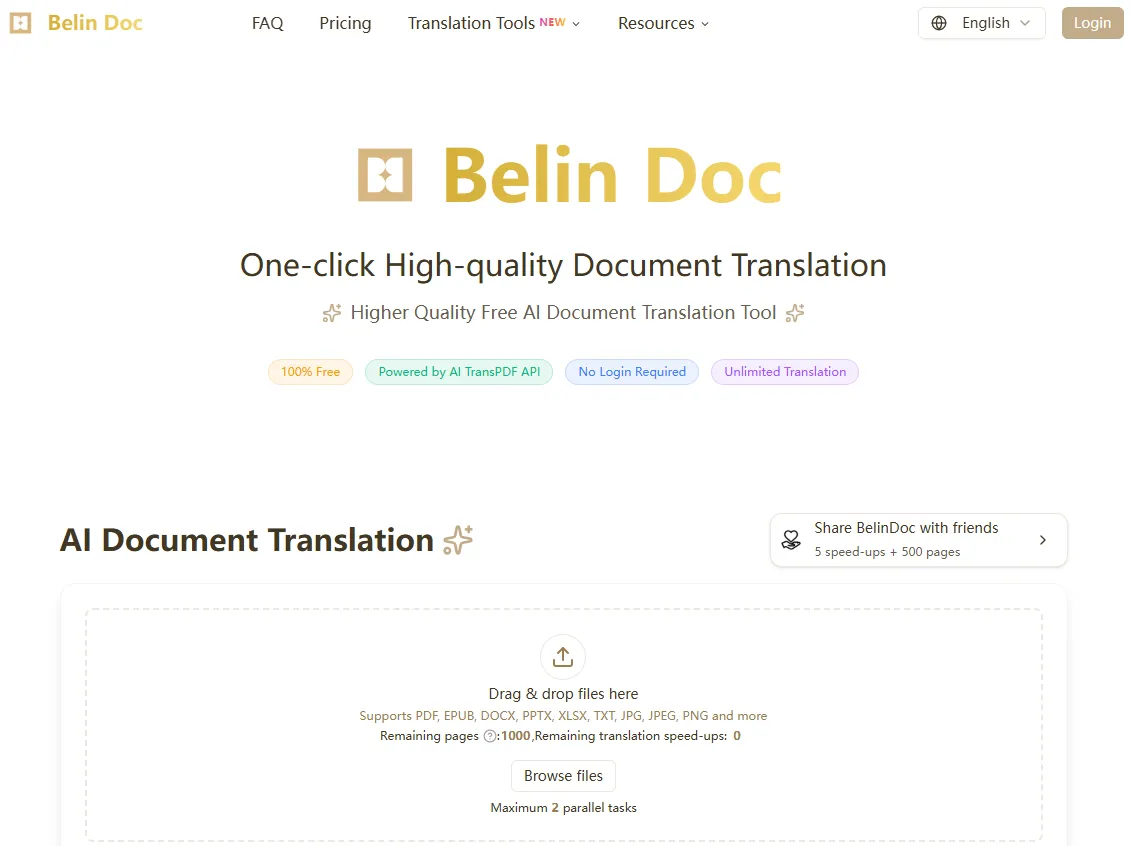
Killer Feature: Art Reconstruction (Inpainting). Its AI doesn't just erase text; it "draws" back the missing art, restoring complex screentones and backgrounds flawlessly.
The Experience: Extremely intuitive. Whether you use the Web version or the Windows client, it handles everything from single pages to 300-page volumes with zero fuss.
The Gotcha: The "Art Mode" can be resource-heavy, so expect a few seconds of rendering time for high-res panels.
Verdict: The best investment for serious collectors who want professional-grade quality without the headache of monthly subscriptions.
2. Scanlate.io
Official Website: https://scanlate.io/
Pricing: Subscription-based. Free Trial: Limited pages for new accounts to test the speed.
-
Basic ($8.99/mo): Includes ~1,000 pages per month with standard AI models.
-
Premium ($19.99/mo): Includes ~3,000 pages, "Turbo" processing speed, and access to GPT-5/Claude 4.5 specialized manga translation engines.
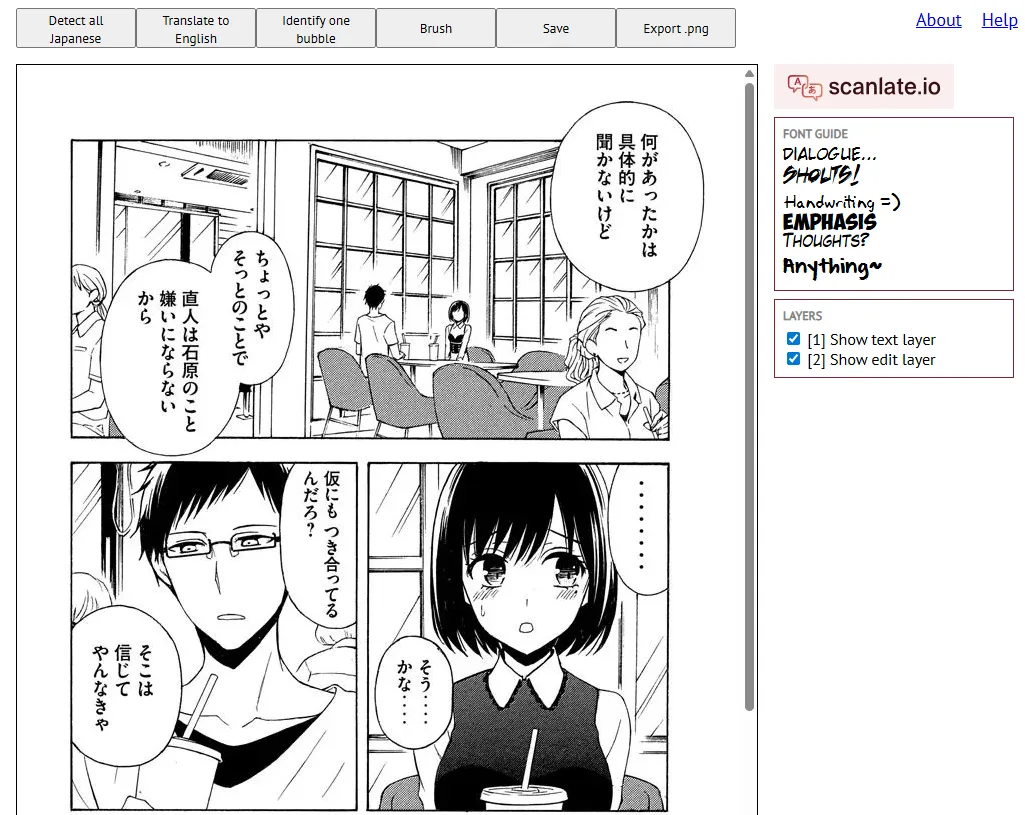
Killer Feature: Turbo Cloud Rendering. Scanlate.io is built on a distributed GPU cloud, meaning it can process an entire chapter (20+ pages) in the time it takes most tools to do one. It is specifically optimized for "reading on the fly."
The Experience: It feels like the "Netflix" of manga translation. The interface is clean, dark-mode by default, and focuses entirely on efficiency. You drag a file in, and the translated version appears almost instantly in a high-quality built-in reader.
The Gotcha: While it is incredibly fast, its Inpainting (background cleaning) isn't quite as artistic as Belin Doc. You might occasionally see slightly blurred textures where complex Japanese SFX used to be.
Verdict: The undisputed choice for "Current Chapter" readers—people who follow weekly releases and need to know what happened in the latest raw right now without waiting for a redrawer.
3. TsengScans AI
Official Website: https://github.com/kisakibobo/TsengScans-AI-Manga-Translation-and-Writing-Tool
Pricing: 100% Free (Open Source). * Note: While the software is free, if you choose to connect it to premium "Cloud" models like GPT-4o or Claude, you may need to pay for your own API keys. However, using it with local models (like Ollama) costs $0.
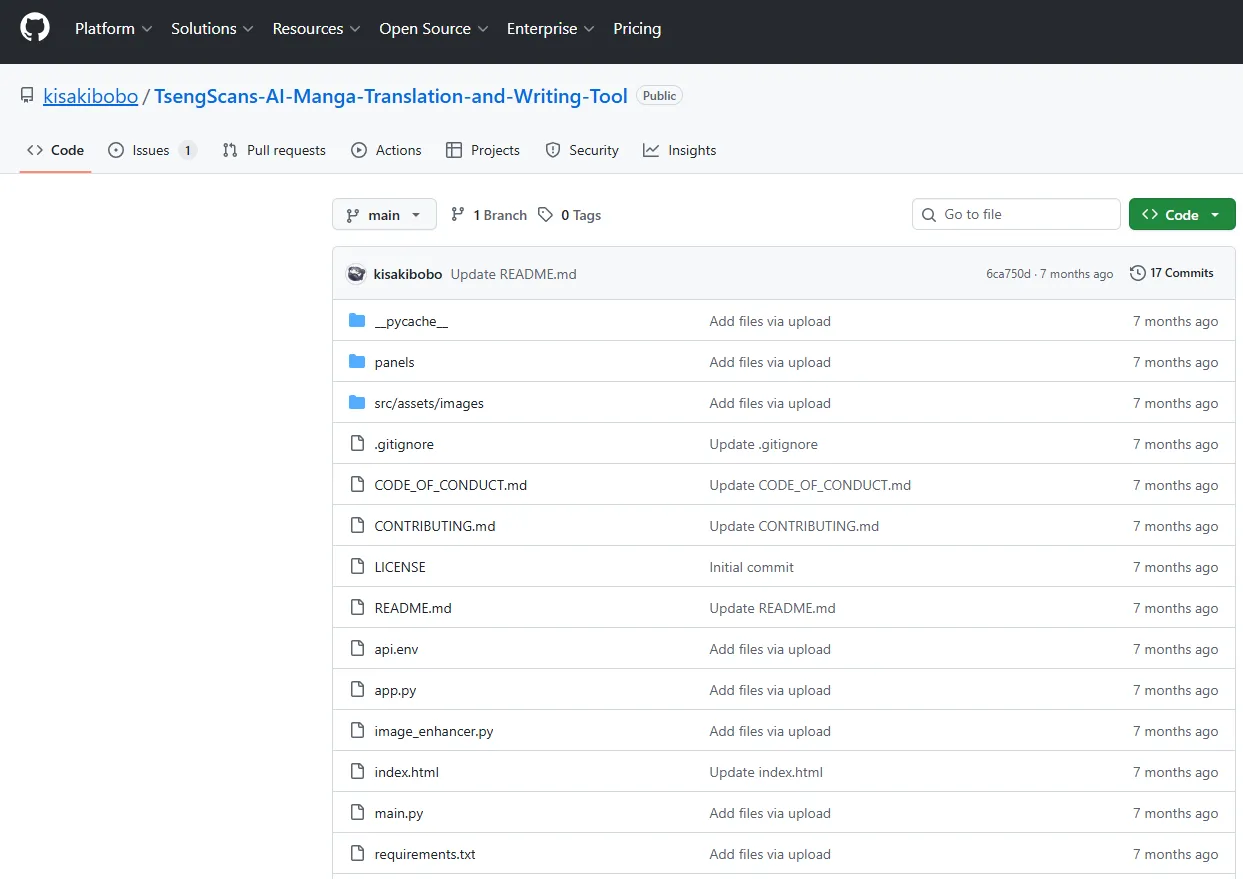
Killer Feature: Model Agnosticism & Scripting. Unlike commercial tools that lock you into one AI, TsengScans allows you to "plug in" any translation engine. You can use a local Llama 3 model for privacy or a high-end GPT model for accuracy. It also features "Batch Scripting," allowing you to automate the translation of thousands of files overnight.
The Experience: This is a "Power User" environment. The UI is functional and clean but lacks the "one-click" polish of Belin Doc. It provides a deep level of control over OCR (optical character recognition) zones, allowing you to manually fix areas the AI might miss.
The Gotcha: Steep Learning Curve. It is not a website; it is software. You need to know how to install dependencies (like Python or Git) and potentially configure API keys. It is not recommended for casual mobile users.
Verdict: The ultimate "Endgame" tool for the DIY community. It is the best way to get professional-grade results for free if you have the patience to set it up.
4. Torii Translator
Official Website: https://toriitranslate.com/
Pricing: Credit-based (Pay-as-you-go).
-
Free Trial: New users get free starter credits upon signup (no credit card required).
-
Baseline ($5.99): 2,500 credits.
-
Most Popular ($12.99): 6,000 credits.
-
Pro Pack ($29.99): 15,000 credits.
-
Note: In 2026, Torii moved away from subscriptions to a pure credit model—1 credit usually equals 1 image translation.
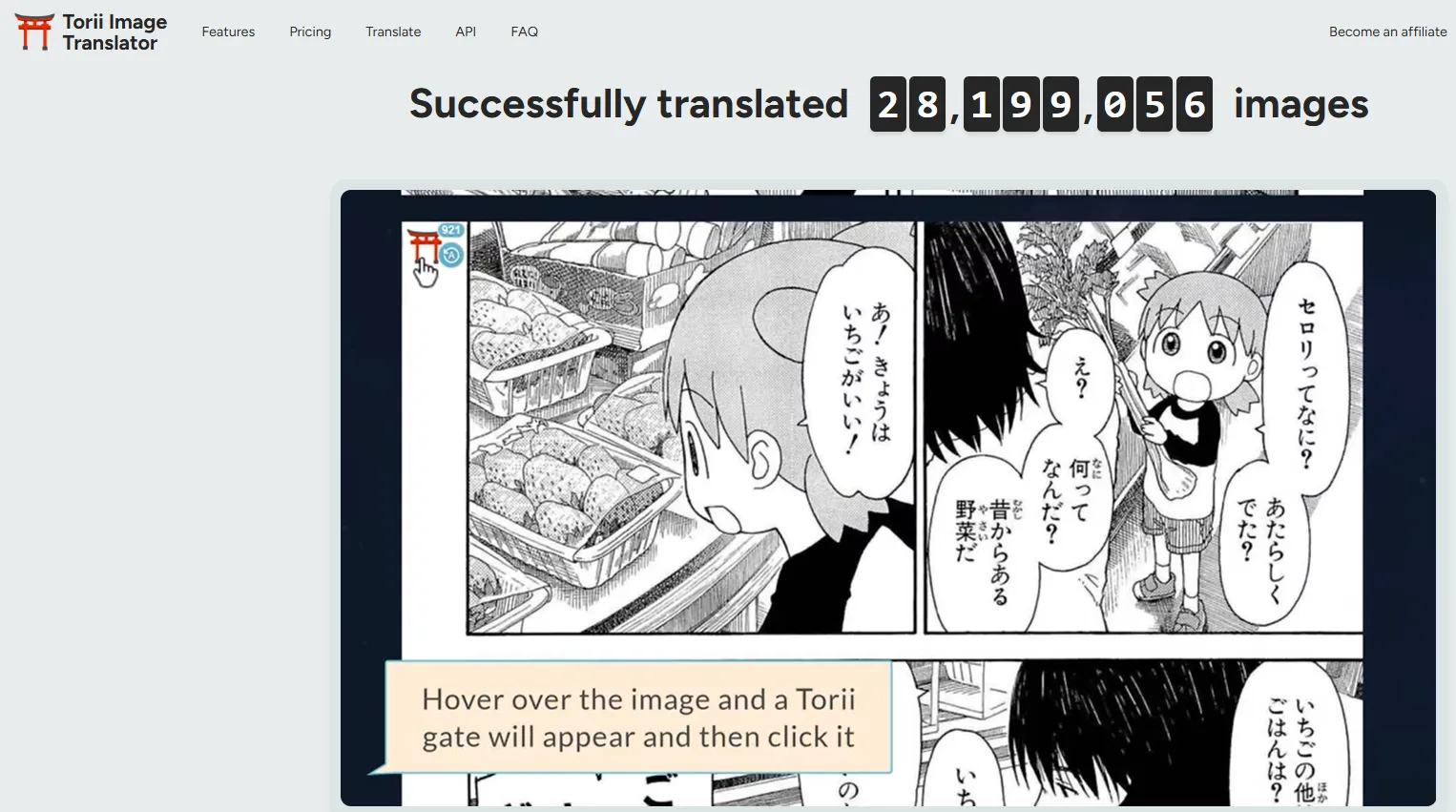
Killer Feature: In-Place Browser Rendering & Context Sharing. Unlike tools that open a new tab, Torii replaces the Japanese text directly on the website you are browsing (Pixiv, MangaDex, etc.). The "Context Sharing" feature allows the AI to "remember" previous pages, drastically reducing pronoun errors (e.g., confusing "he" and "she") in long chapters.
The Experience: Fast and frictionless. It includes a "Bubbles Only" mode that ignores background noise and sound effects to save credits. It also features a surprisingly powerful Edit Mode where you can manually tweak the translated text’s font, color, and position right in the browser.
The Gotcha: Because it relies on high-end models like Gemini 3 Flash or GPT-5.1, using the "Context Sharing" or "Advanced Inpainting" features can cost 2-3 credits per page instead of just one.
Verdict: The best choice for "Web Explorers" who spend their time on Japanese art sites and want a "magic lens" that translates everything without leaving the page.
5. MangaTranslator
Official Website: https://scan-translator.com/manga-translator
Pricing: One-time Purchase (Credits last forever).
-
Basic (4,99€): 560 credits.
-
Premium (9.99€): 2,500 credits.
-
Note: Credits do not reset every month, making it perfect for occasional readers.
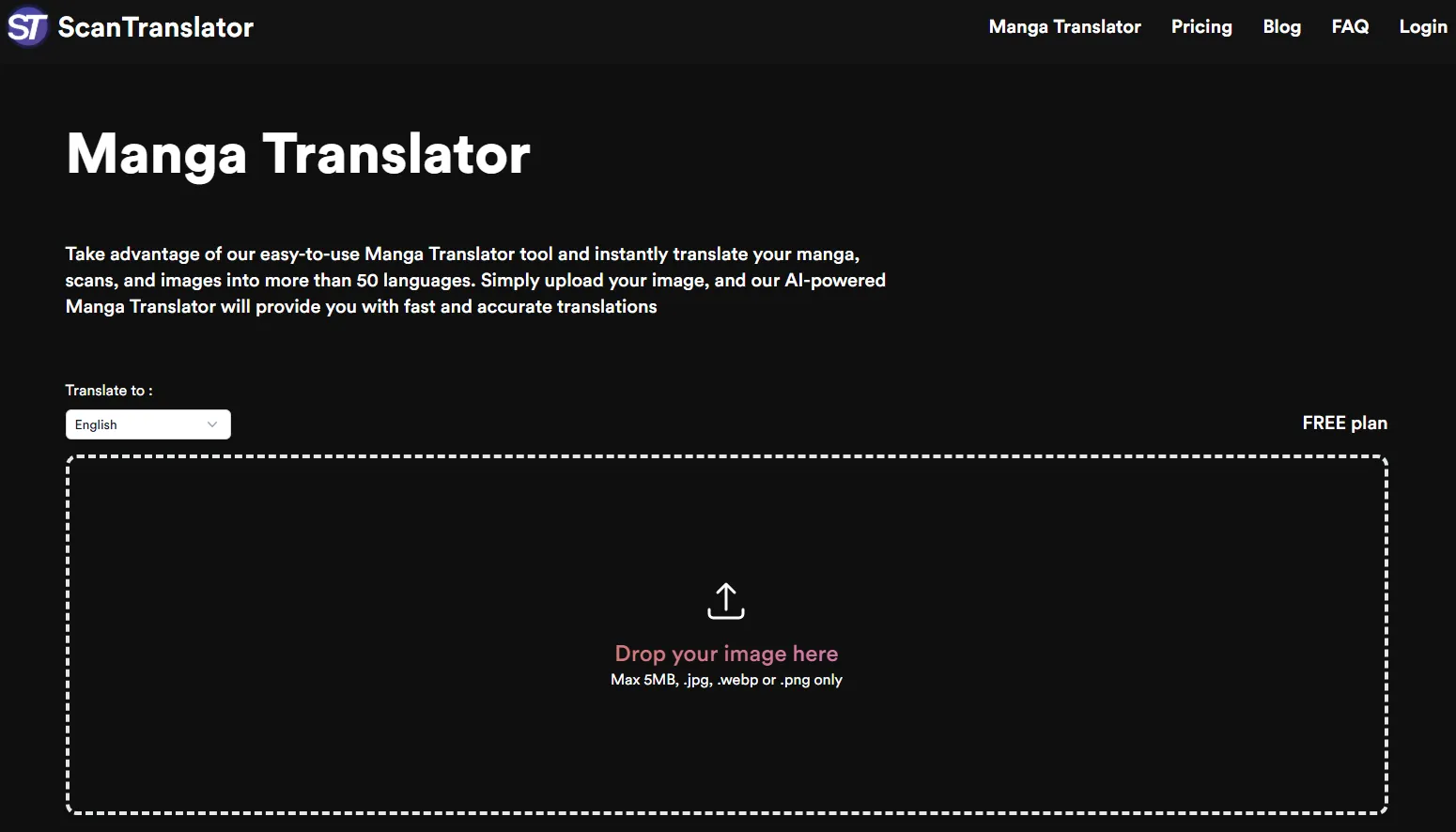
Killer Feature: Hover-to-Peek & Contextual Breakdown. This is its most famous trait. You can choose to leave the original Japanese text visible and only see the translation when you hover your mouse over a speech bubble. In 2026, it even provides a small "Grammar Note" popup to explain difficult Kanji or slang.
The Experience: Lightweight and non-intrusive. It doesn't "take over" your browser; it just adds a small "Translate" button to the corner of any image it detects on sites like MangaDex or Rawkuma. It is designed to be a "helper" rather than a total page re-renderer.
The Gotcha: Basic Typesetting. Unlike Belin Doc or Torii, it doesn't always "clean" the background perfectly. If the text is written over a complex drawing, the replacement text might just sit on a semi-transparent box, which can look a bit messy.
Verdict: The best choice for "Language Learners" and casual readers who want to occasionally check a sentence's meaning without losing the beauty of the original Japanese hand-drawn lettering.
6. Immersive Translate
Official Website: https://immersivetranslate.com/
Pricing: Freemium.
-
Free Plan: Unlimited webpage translation using general engines (Google, Microsoft, Bing).
-
Pro ($9.99/mo or $119/year): Unlocks 20 million tokens/mo for advanced models (GPT-4o, Claude 3.5, Gemini 1.5 Pro). Includes 3,000 manga/image translations and 1,000 PDF Pro pages per month.
-
Max ($19.99/mo): For power users. 50 million tokens/mo and higher priority for bulk processing.
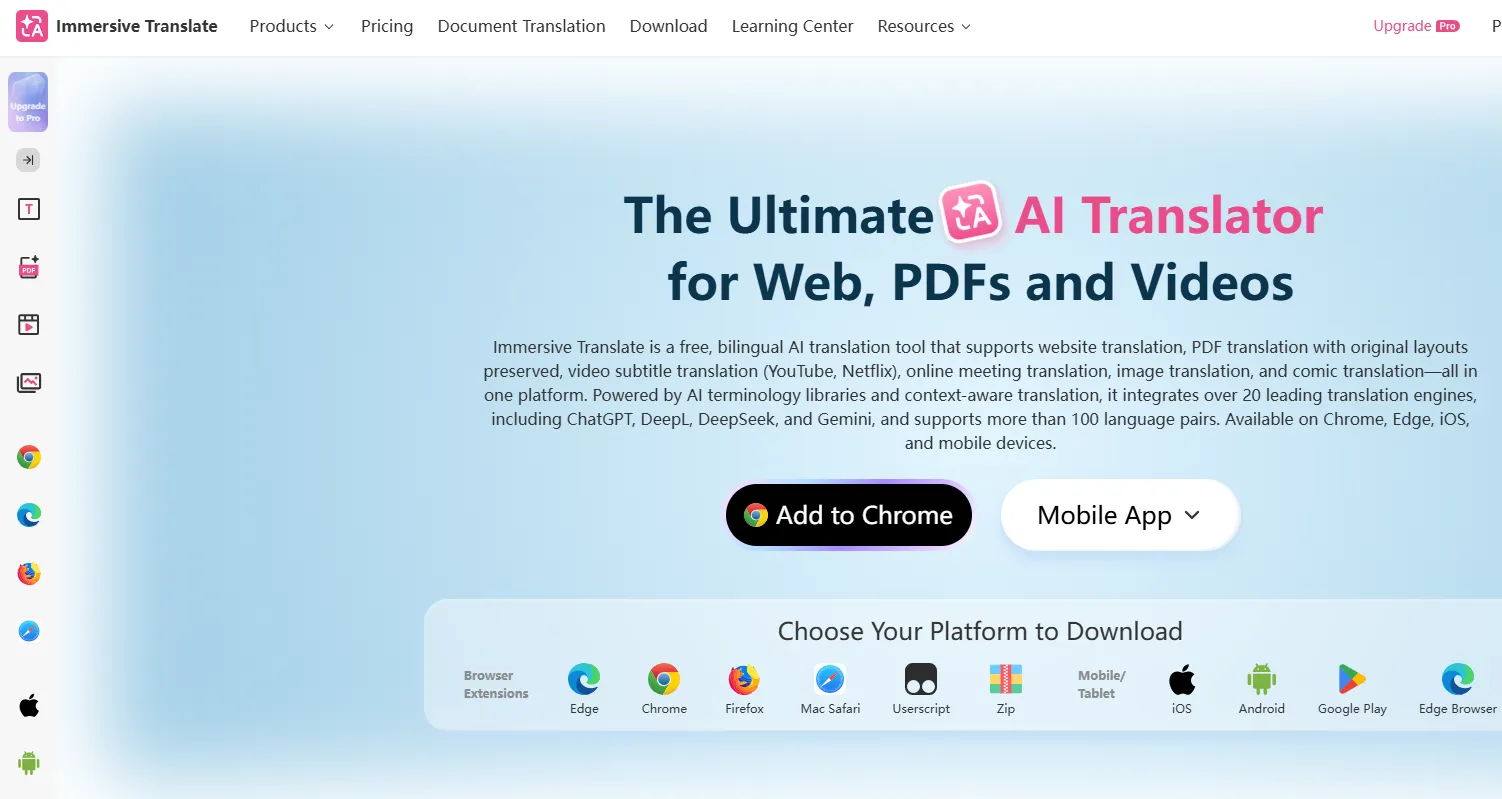
Killer Feature: Bilingual Side-by-Side Rendering. Unlike other tools that replace the original text, Immersive Translate intelligently inserts the translation underneath or beside the original text. For manga, it can do a full overlay, but it excels at maintaining a bilingual view that doesn't break the webpage's layout.
The Experience: It is the most "system-wide" tool. You can use it as a browser extension, a mobile app, or even a PDF reader. In 2026, its "Comic Mode" has been upgraded to include high-end inpainting, though it remains a "reading-first" tool rather than a "cleaner-first" tool.
The Gotcha: Because it tries to do everything (PDFs, YouTube subtitles, Webpages, Manga), the settings menu can be overwhelming for a new user. You’ll need a few minutes to configure it specifically for "Manga Mode."
Verdict: The absolute best for "Information Power Users" who read across different formats (Manga, Light Novels, and News) and want a consistent experience across all their devices.
7. IsManga
Official Website: https://ismanga.com/en-US/
Pricing: Freemium.
-
Free Version: 80 premium AI translations per week; includes cloud bookmarks and integrated manga browser.
-
Premium 1-Day ($1.49): 24 hours of unlimited high-speed translations and popup blocking.
-
Premium Monthly ($5.99): Unlimited high-speed translations, ad-free mobile experience, and local image uploads.
-
Premium Yearly ($59.99): All Pro features at a discounted annual rate.
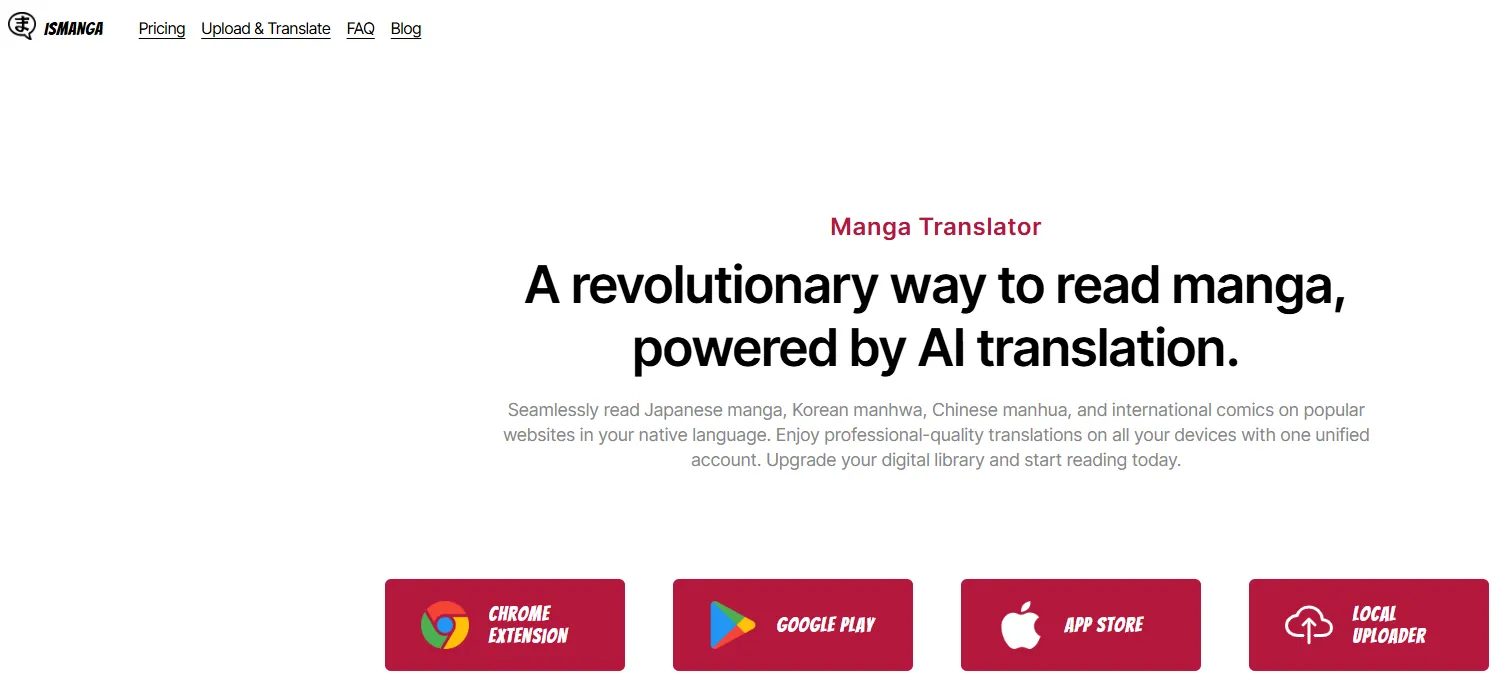
Killer Feature: Integrated AI Manga Browser. Instead of uploading images manually, you simply browse your favorite raw sites (like Rawkuma or Pixiv) inside the app. The AI automatically detects manga panels on the page and translates them in real-time as you scroll.
The Experience: It feels like a "Smart Browser" specifically for weebs. It includes a built-in Popup Blocker that is vital for navigating many raw manga sites, which are often filled with aggressive ads. It also supports Cloud Sync, so your bookmarks and history follow you from your phone to your tablet.
The Gotcha: While it cleans pages well, the translation "speed" can fluctuate during peak server hours for free users. Also, some users find the font customization options a bit limited on very small mobile screens.
Verdict: The absolute best for "Mobile Web Readers" who want a seamless, all-in-one app to browse and read raw chapters on the go without ever leaving their browser.
8. Bubble Screen
App Download: Google Play
Pricing: Freemium.
-
Free Version: Ad-supported with access to standard translation models.
-
Monthly Subscription ($5.00/mo): Removes ads and provides faster translation speeds.
-
One-time Purchase ($29.99): Permanent ad removal and "Pro" status for life—very popular for long-term users.
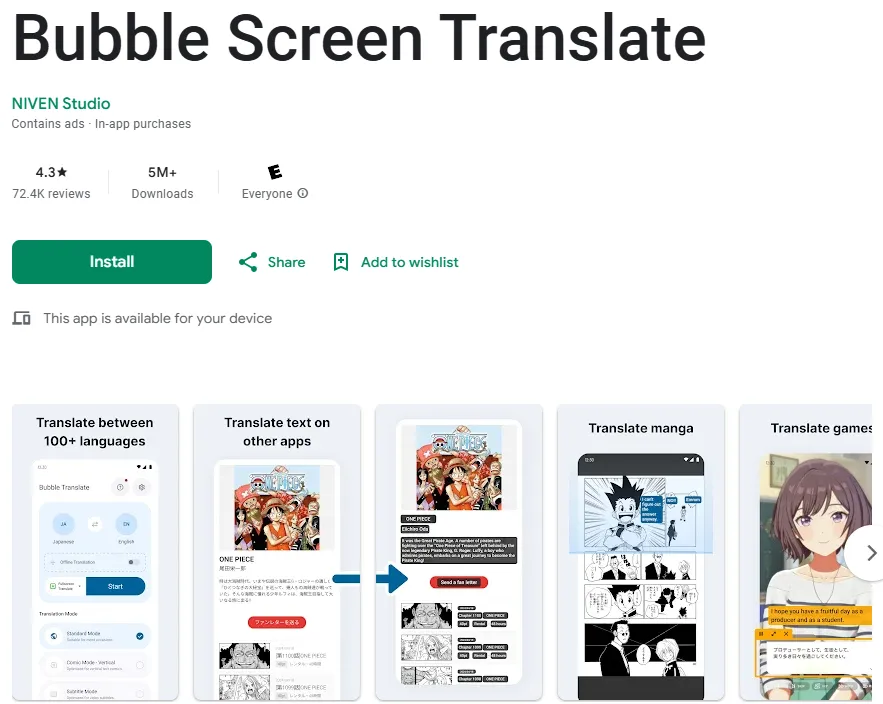
Killer Feature: Floating Overlay & Game Mode. It provides a persistent "floating bubble" that stays on top of any app. When reading manga in apps like LINE Manga or playing Japanese games, you just tap the bubble, and it translates the current screen instantly without you ever having to switch apps.
The Experience: Highly flexible. It features a specialized "Comic Mode" that handles vertical Japanese text better than standard OCR tools. You can also select specific regions of the screen to "Auto-Translate," which is perfect for games with static UI elements or manga with consistent panel layouts.
The Gotcha: Visual Overlay Quality. Since it translates "on top" of your screen, it often uses simple text boxes to cover the original Japanese. It doesn't "redraw" the background art like Belin Doc, so it can look a bit "patchy" on detailed art.
Verdict: The best choice for "App Jumpers"—Android users who read manga across multiple different apps or play Japanese Gacha games and need a quick, universal translator.
9. Mangra
Official Website: https://manga-translate.app/
Pricing: Freemium.
-
Free Version: Basic AI translation using Apple's on-device engine (requires internet for ads).
-
Pro Access (Weekly): $4.99
-
Pro Access (Monthly): $9.99
-
Pro Access (Yearly): $59.99
- Pro includes Cloud AI (LLM) models, unlimited translations, and ad-free reading.
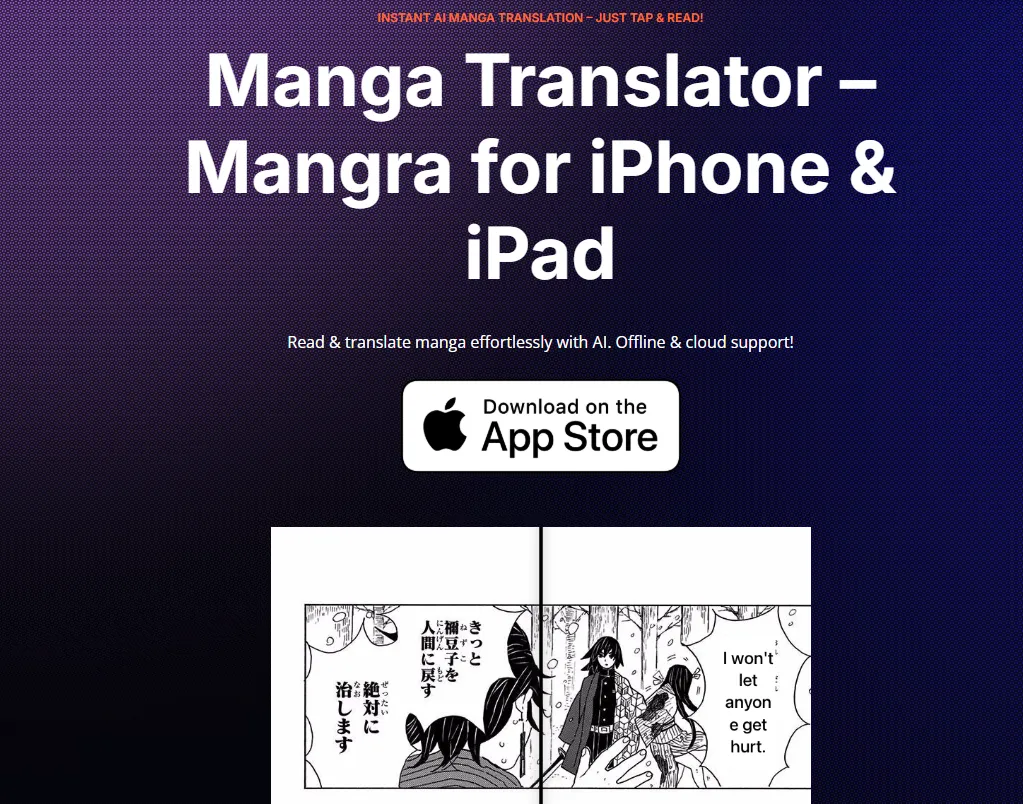
Killer Feature: On-Device Apple Neural Engine Integration. Mangra is built natively for Apple Silicon. It offers a "True Offline Mode" that uses your iPhone's or Mac's local hardware to translate text, ensuring total privacy and speed without uploading images to a server.
The Experience: It feels like a premium Apple app—clean, fast, and intuitive. It supports a wide range of formats (ZIP, RAR, CBZ, PDF) and features a specialized "Browser Extraction" tool that pulls manga images directly from websites into the reader for a clutter-free experience.
The Gotcha: Platform Locked. It is exclusive to the Apple ecosystem (iOS/macOS). If you switch to Android, you cannot take your subscription or library with you.
Verdict:The absolute best for "Apple Loyalists" who want a high-fidelity, private reading experience that feels like a native part of their iPhone or iPad.
10. AnyDoc Translator
Official Website: https://anydoctranslator.toolsmart.ai/
Pricing: Freemium.
-
Free: 15 pages/mo.
-
Pro ($7.99/mo): Unlimited pages, no watermark, and access to premium LLMs (GPT-4o/Claude).
-
Yearly ($71.88/yr): Discounted rate for long-term users.
-
Note: Access to ultra-premium models like GPT-5 or Claude 4 may require the "Pro" membership.
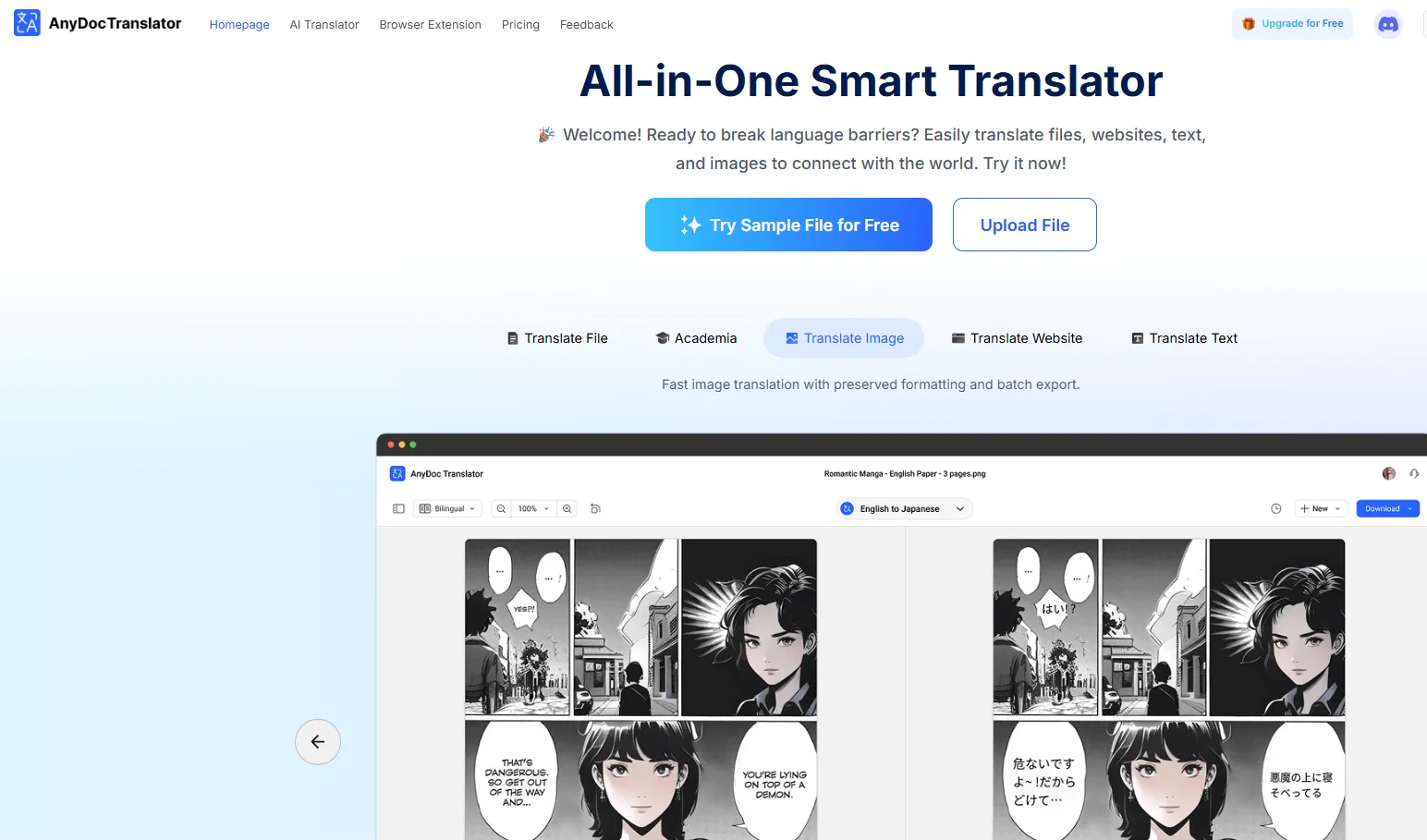
Killer Feature: Model Swapping & Layout Preservation. AnyDoc is unique because it allows you to switch between different AI "brains" (ChatGPT, Claude, Gemini, DeepSeek) for the same document. It is world-class at keeping the original PDF or Image layout perfectly intact—meaning text stays inside the bubbles and font styles are matched automatically.
The Experience: Professional and versatile. While many tools are "just for manga," AnyDoc is a powerhouse for any document. It features an "Academic Mode" that is perfect if you are reading manga for research or language study, as it handles complex grammar and niche vocabulary with high precision.
The Gotcha: Generic Aesthetic. Because it is a general document translator, it doesn't have the "artistic" inpainting (background redrawing) found in Belin Doc. If you erase a word, it usually fills the space with a solid color or a simple gradient rather than complex hand-drawn textures.
Verdict: The best choice for "Precision Readers" who want the smartest AI models and need to translate massive PDF volumes or archives without losing the original page structure.
11. ImageTrans
Official Website: https://www.basiccat.org/imagetrans/
Pricing:One-time Purchase (Buy-it-once).
-
Full License ($10.99 - $12.00): A permanent license for the software. No monthly fees.
-
Note: Since it is a local tool, you may need to pay for your own API keys (Google, DeepL, or OpenAI) if you want to use cloud-based AI. However, it supports many free/local OCR and translation engines.
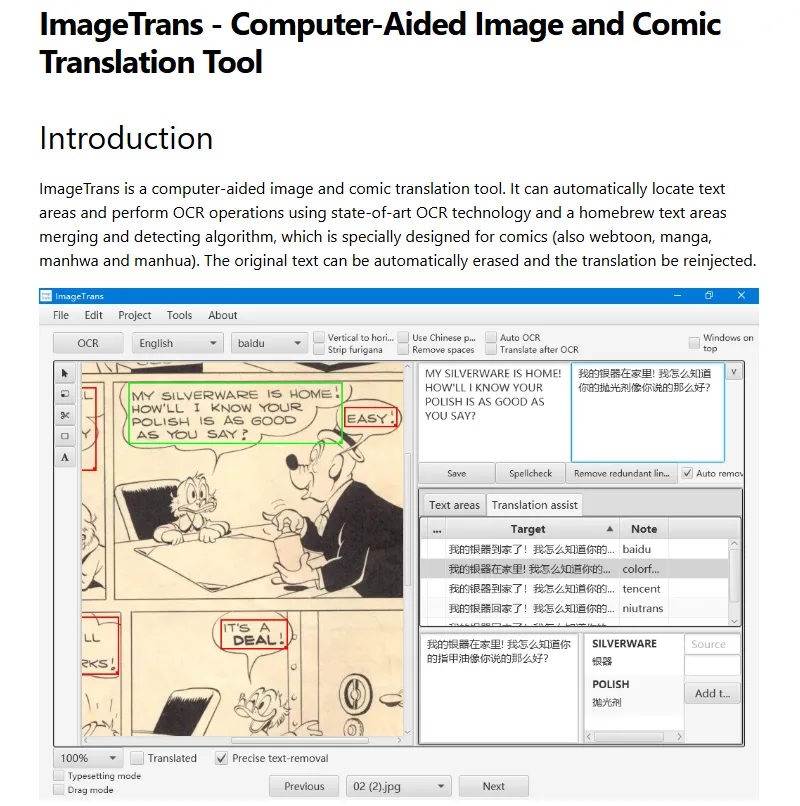
Killer Feature:Computer-Aided Translation (CAT) Workflow. ImageTrans is the only tool that treats manga translation like a professional translation project. It features Translation Memory and Term Management, meaning it remembers how you translated a specific character's name or a unique attack move, ensuring consistency across 50+ volumes.
The Experience: Industrial and highly functional. It feels like a specialized "Photoshop for Translators." It allows for surgical precision—you can manually adjust text boxes, choose specific fonts for different characters, and even export the results as editable data.
The Gotcha: Steep Learning Curve. The interface is built for utility, not beauty. It can feel intimidating for casual users who just want to "click and read." It requires some time to configure the engines and settings to your liking.
Verdict: The best choice for "Digital Archivists" and "Hobbyist Scanlators" who want a professional-grade tool they can own forever without being milked by monthly subscriptions.
12. AI Manga Translator
Official Website: https://aimangatranslate.com/
Pricing: One-time Purchase Packs (Credits Never Expire).
-
Starter Pack ($6.90): ~300 translations. Includes priority OCR & translation pipeline.
-
Standard Pack ($19.90): ~1,000 translations. Adds full model switching and vertical/horizontal text optimization.
-
Bulk Pack ($24.90): ~1,200 translations. Offers the best unit price for heavy users and faster processing queues.
-
Note: All credits are permanent and work on both the website and the browser plugin.
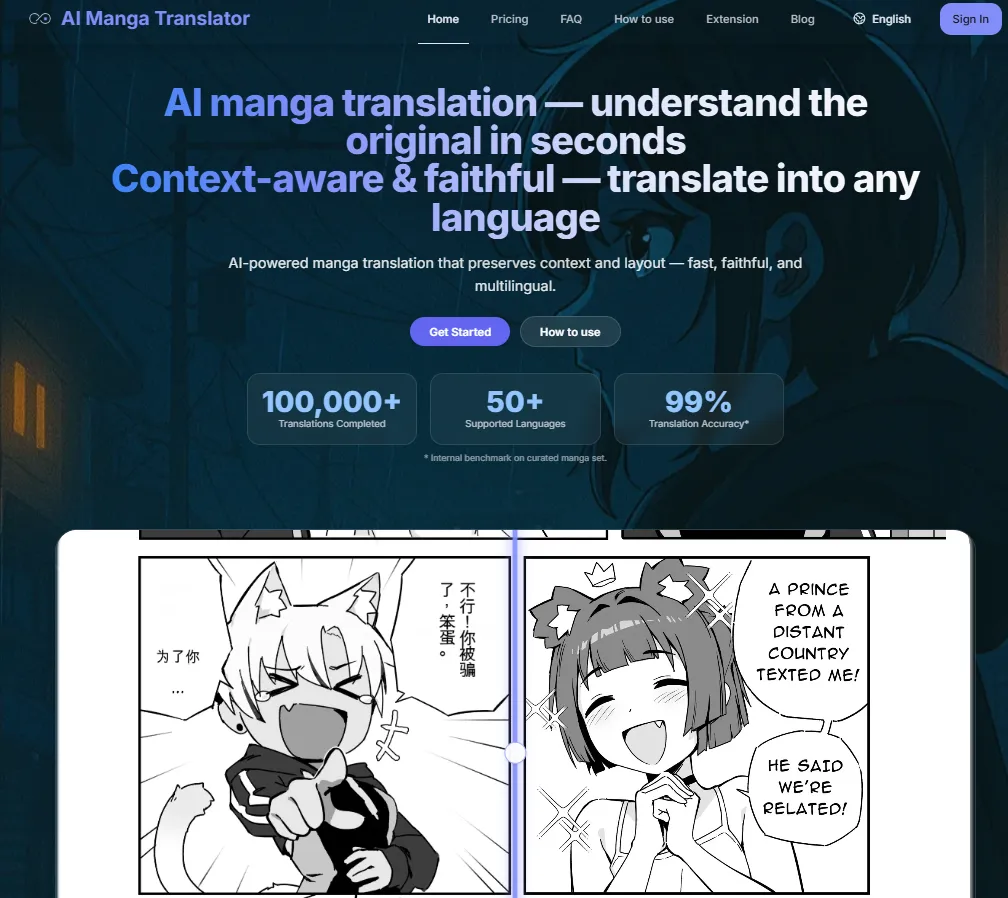
Killer Feature: Multi-Model Semantic Switching. This tool allows you to swap between nearly 10 different AI models (including Sugoi, NLLB, Qwen, and DeepSeek) mid-chapter. It also features Full-Volume PDF Parallel Processing, allowing you to drag and drop an entire 200-page book and have it processed in parallel across multiple GPUs.
The Experience: It is built for the "Power Reader." The interface provides a visible progress bar for every page in a batch, real-time thumbnails, and a developer-friendly API. Its "Smart Typesetting" automatically detects vertical vs. horizontal text and adjusts font size/line spacing to fit the original bubble perfectly without manual clicking.
The Gotcha: Because it offers so many model choices, beginners might feel overwhelmed. Selecting the "wrong" model for a specific art style can sometimes lead to text overlapping or literal translations.
Verdict: The absolute best "Bulk Workhorse" for users who have thousands of raw files and want a high-fidelity, automated way to convert them into readable English volumes.
13. BallonsTranslator
Official Website: https://github.com/dmMaze/BallonsTranslator
Pricing: 100% Free (Open Source). It is licensed under GPL-3.0. While the software itself is free, using certain third-party translation APIs (like Google or DeepL) within the app may require your own API keys, though many local/offline models are supported for free.
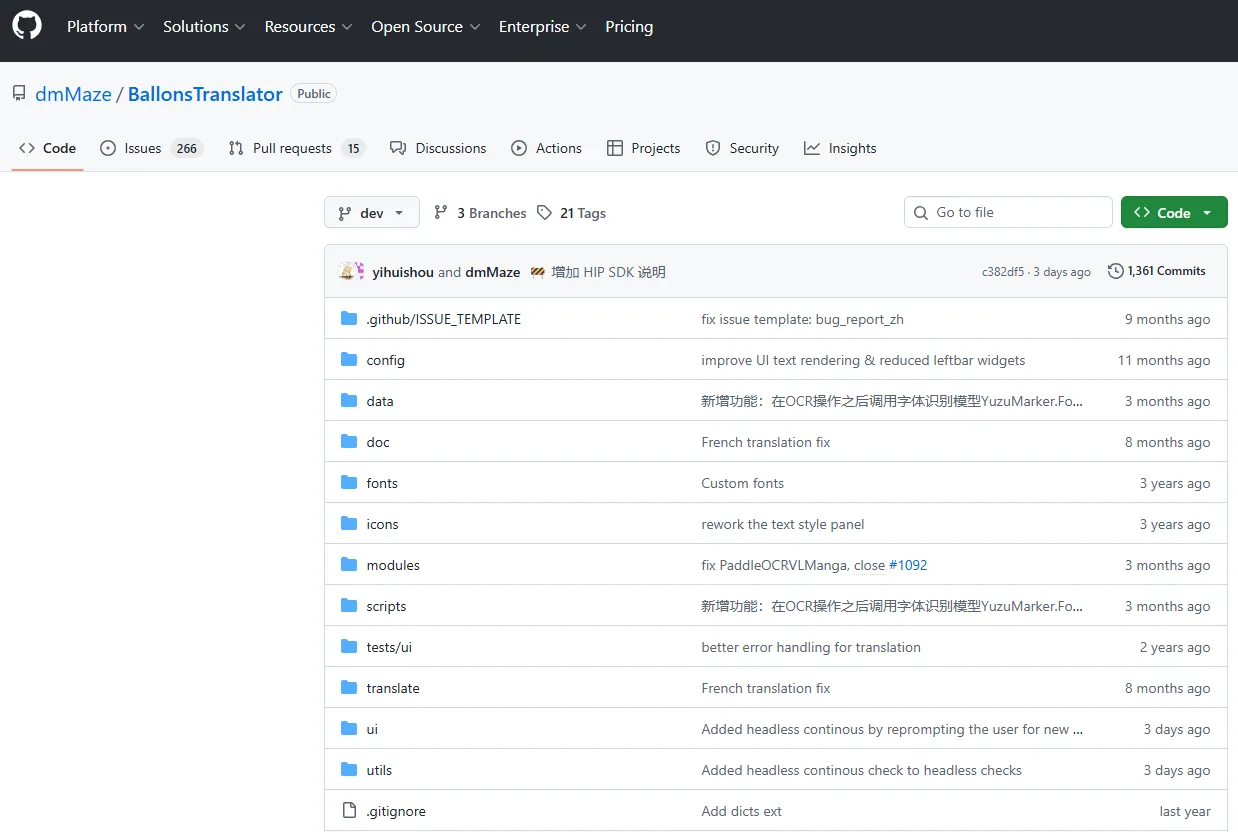
Killer Feature: Seamless Interactivity & Advanced Typesetting. Unlike simple readers, this tool offers "What You See Is What You Get" (WYSIWYG) rich text editing. It estimates the original text's formatting—including color, outline, angle, and alignment—to automatically typeset the translation back into the bubbles. It also supports importing/exporting to Word documents for external editing.
The Experience: It is a powerful hybrid between a machine translator and a manual editor. You can run a "one-click" batch translation for a whole folder of images and then manually refine the text, adjust bubble placements, or use the built-in inpainting (art restoration) brushes to fix background details. It even features a "Dark Mode" and supports multiple languages like Japanese, English, Chinese, and Russian.
The Gotcha: Technical Setup & Hardware Dependency. As a local Python-based application, it requires some technical comfort to install and configure. To get the best speed and quality for its deep learning modules (detection, OCR, and inpainting), an NVIDIA GPU with CUDA support is highly recommended; otherwise, processing can be slow (e.g., 30+ seconds per page on a standard CPU).
Verdict: The Ultimate "Pro-Assistant" for hobbyist scanlators and serious readers who want professional-quality results. It’s perfect if you want the speed of AI but want the final artistic control to ensure the manga looks like an official English release.
14. Sugoi (Offline)
Official Website: https://blog.sugoitoolkit.com/
Pricing: Patreon-Supporter Model.
-
Public Version: Older versions (e.g., V11) are occasionally available for free, but they lack modern LLM support and speed.
-
Supporter Tier ($5.00/mo): Grants immediate access to the latest V17 Toolkit, including high-speed OCR and the specialized 14B/32B offline models.
-
Pro Tier ($10.00+ /mo): Includes "Sugoi Cloud" credits for users without high-end GPUs and early access to experimental translation engines.
-
Note: Once you download the offline toolkit, it is yours to keep and use forever, even if you cancel the subscription.
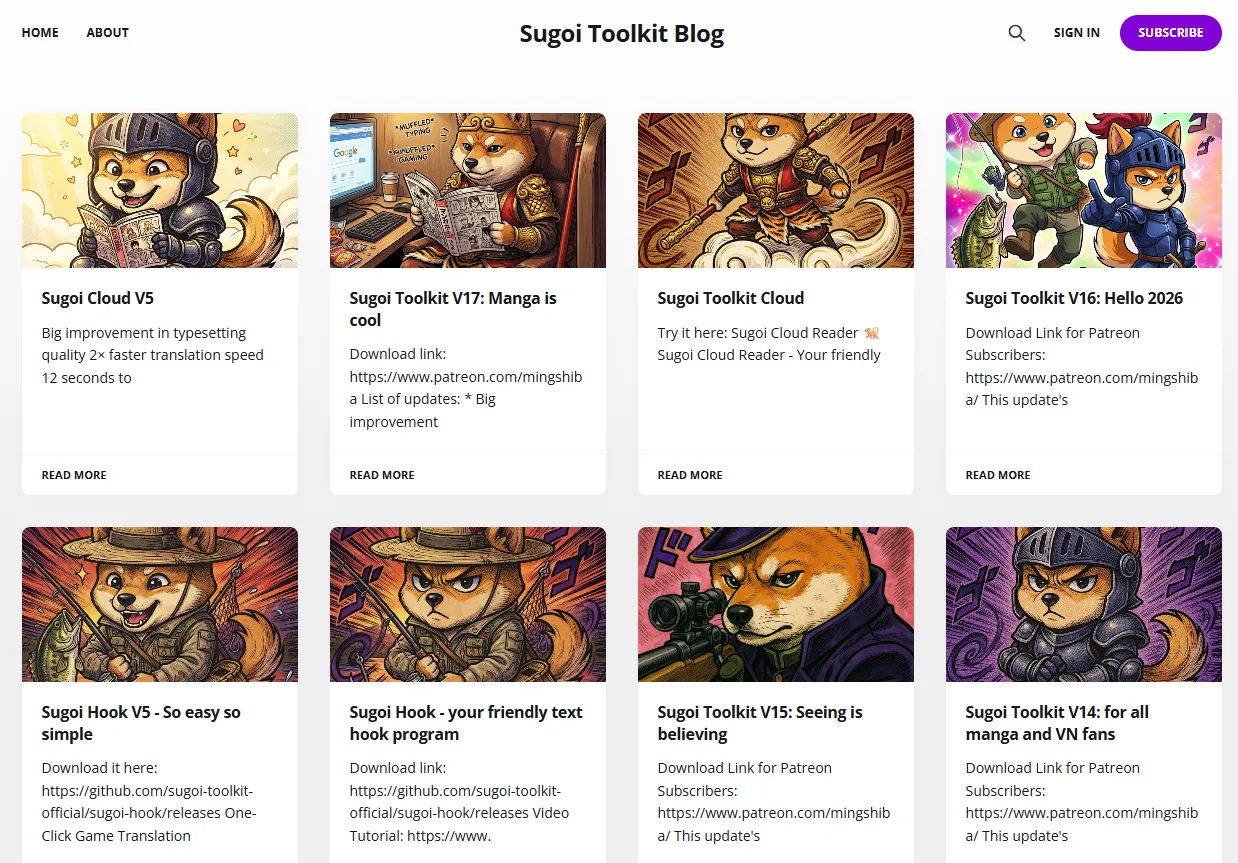
Killer Feature: True Offline "Otaku" Intelligence. Version 17 is powered by a custom LLM specifically trained on millions of lines of manga and visual novel dialogue. Because it runs locally on your hardware, it offers 100% privacy—no images are ever uploaded to a server.
The Experience(V17 Update): It is significantly faster than previous versions (translating a full page in ~25 seconds on a mid-range GPU). It supports modern formats like WebP and features a "Smart Hook" for real-time translation of Japanese PC games.
The Gotcha: Hardware Tax. To run the V17 14B model, you need an NVIDIA GPU with at least 8GB–12GB VRAM. Without a dedicated GPU, you'll be forced to use the "Cloud" mode, which consumes monthly credits.
Verdict: The "Private Powerhouse" for serious fans. It’s the only tool that truly "understands" niche Japanese slang and honorifics without an internet connection.
Final Thoughts: Choosing Your Perfect AI Companion
As we navigate through 2026, the gap between "raw" and "localized" manga continues to shrink. The tools we've explored today represent the peak of multimodal AI—technology that doesn't just read text, but understands the artistic soul of the page.
If you’re still feeling overwhelmed by the choices, remember these three simple rules:
-
For the Artist & Perfectionist: Stick with Belin Doc or BallonsTranslator. The art restoration quality is worth the extra effort or cost.
-
For the Casual Browser: Torii and Scanlate.io offer the lowest friction. They make the internet feel like it was written in your language from the start.
-
For the Archivist & Privacy Advocate: Sugoi (Offline) and ImageTrans are your best friends. Owning your tools and running them locally is the ultimate way to future-proof your library.
The era of waiting months for translations is over. Choose your tool, grab your favorite raw series, and start reading. The only question left is: Which adventure will you translate first?