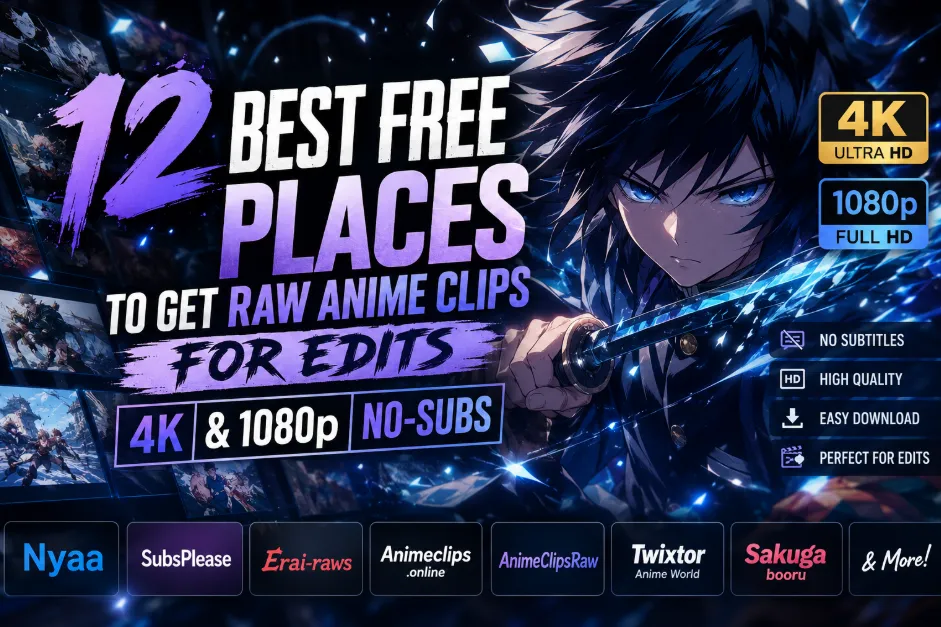
In the high-stakes world of anime editing (AMV / Anime Edit / MAD) in 2026, your source material is the single most decisive factor that establishes the professional ceiling of your work. Whether you are producing a high-velocity TikTok sequence, a cinematic YouTube AMV, or a frame-perfect Twixtor project, Raw Anime Clips (subtitle-free footage) remain the indispensable heartbeat of your creative process. To truly stand out in today's competitive landscape, your footage must transcend basic streaming quality by being entirely free of hardcoded subtitles and watermarks, while maintaining the high bitrate and Blu-ray level fidelity necessary to preserve fine line art and complex color gradients. This level of "Edit-Ready" purity is essential because it ensures your visuals won't "break," pixelate, or suffer from color banding when subjected to intensive post-processing—such as advanced color grading, Twixtor slow-motion, or AI-driven frame interpolation. As many legendary resource sites have shifted domains or moved to private encrypted communities, this guide provides a comprehensive map to the 12 best free sources currently empowering the next generation of editors with high-performance anime raws.
2026 Anime Editing Arsenal: Platform Comparisons
To help you find the perfect material for your specific workflow, we’ve categorized the top 12 sources into three distinct tiers.
Table 1: Full-Episode Raws (The AMV Foundation)
Best for: Professional editors who need maximum bitrate and full control over every scene.
| Source Name | Source Type | Raw Quality | No-Subs? | 4K Support | Best For... | Target Audience |
| Nyaa.si | Torrent | ⭐⭐⭐⭐⭐ | ✅ High | ⚠️ BD Remux | Master-level raw episodes | Pro AMV Creators |
| SubsPlease | Release Group | ⭐⭐⭐⭐☆ | ⚠️ Partial | ❌ No | Fastest seasonal releases | Day-One Editors |
| Erai-raws | Release Group | ⭐⭐⭐⭐⭐ | ✅ High | ⚠️ Upscaled | High-bitrate consistency | Quality-First Users |
| ShanaProject | Automation | ⭐⭐⭐⭐☆ | ✅ High | ❌ No | Auto-tracking Raws/Archive | NAS / Archive Users |
Table 2: Pre-Cut Scenepacks & Clips (The Efficiency Hub)
Best for: Saving hours on trimming; perfect for TikTok, Reels, and high-velocity card-points.
| Source Name | Source Type | Raw Quality | No-Subs? | 4K Support | Best For... | Target Audience |
| Animeclips.online | Web Portal | ⭐⭐⭐⭐☆ | ✅ High | ⚠️ Upscaled | Quick character-based clips | TikTok / Shorts |
| AnimeClipsRaw | Scenepack Site | ⭐⭐⭐⭐☆ | ✅ High | ✅ AI-Upscale | Cinematic 4K aesthetics | AE / Alight Motion |
| Anime World Twixtor | Video Archive | ⭐⭐⭐⭐☆ | ✅ High | ✅ Interpolated | Smooth 60FPS velocity | Slow-Mo Editors |
| Sakugabooru | Animation DB | ⭐⭐⭐⭐⭐ | ✅ High | ❌ No | Iconic action highlights | Sakuga MAD Makers |
Table 3: Community & Fallback Sources (The Resource Vault)
Best for: Finding rare old-gen anime, AI-enhanced packs, or mobile-direct downloads.
| Source Name | Source Type | Raw Quality | No-Subs? | 4K Support | Best For... | Target Audience |
| Discord Vaults | Community | ⭐⭐⭐⭐☆ | ✅ High | ✅ Exclusive | Private & curated packs | Hardcore Members |
| Telegram Channels | Direct Feed | ⭐⭐⭐⭐☆ | ✅ High | ✅ AI-Upscale | Instant mobile downloads | CapCut / Phone |
| Tumblr Tags | Legacy Archive | ⭐⭐⭐☆☆ | ✅ High | ❌ No | Finding 90s/00s Raws | Nostalgia Editors |
| Reddit Hubs | Discussion | ⭐⭐⭐☆☆ | ⚠️ Varies | ⚠️ Links Only | Mirror links & help | Resource Hunters |
| HiAnime/Anitaku | Streaming | ⭐⭐⭐☆☆ | ❌ Low | ❌ No | Emergency clips for rare TV | Fallback Users |
The 2026 Raw Encyclopedia – Detailed Platform Breakdown
While the overview table gets you started, these detailed guides will show you how to pull the maximum quality out of every download. Here is the definitive breakdown of all 12 platforms for 2026.
1. Nyaa (nyaa.si)
Official Website: https://nyaa.si/
Best For: Accessing lossless-quality BDMV (Blu-ray Master) and Remux files for professional-grade AMVs.
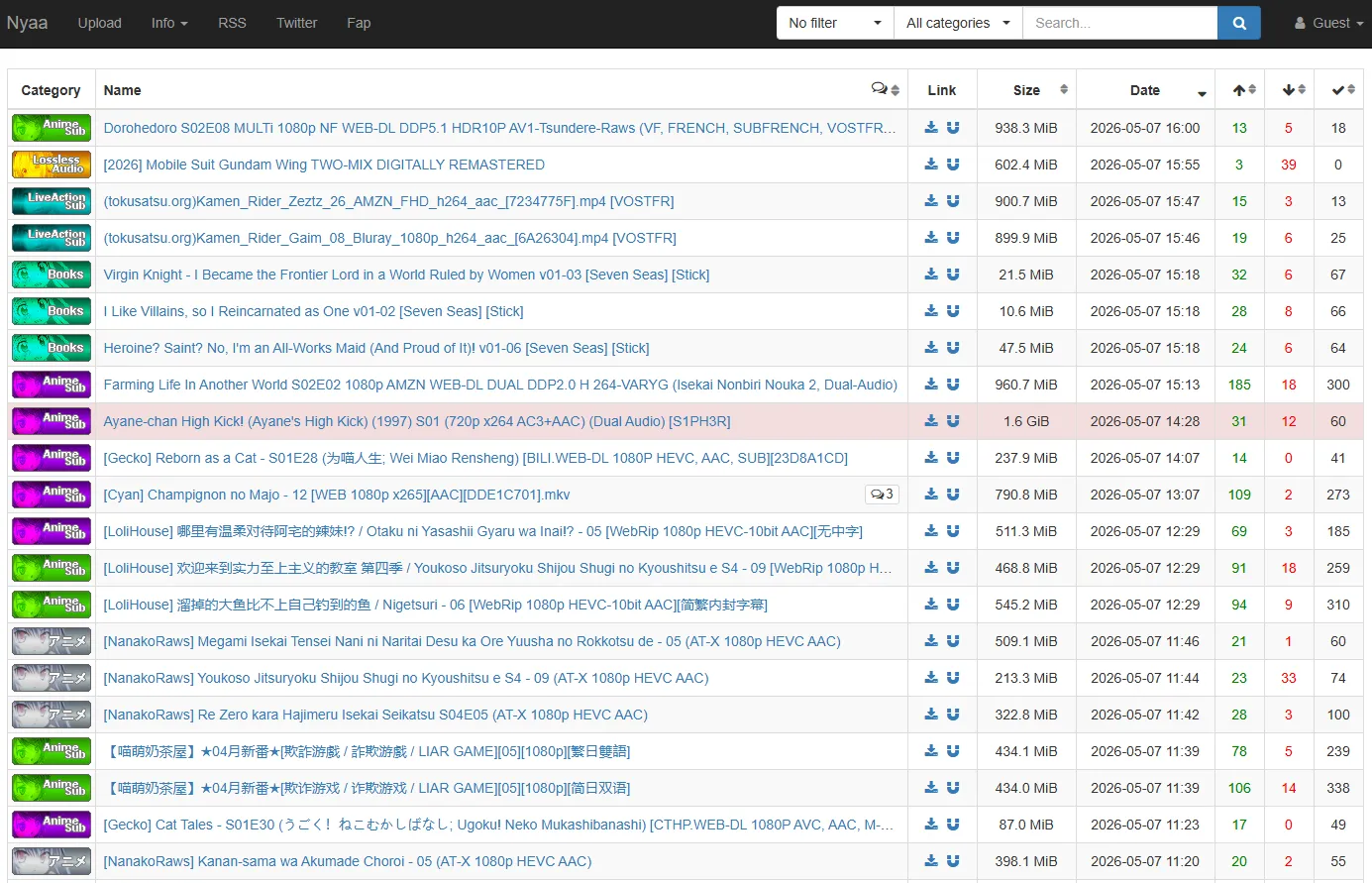
Technical Detail: The only source where you can find 10-bit HEVC or AV1 encodes. This depth is critical because it allows you to push your color grading (Exposure, Contrast, Hue) without the video "falling apart" into ugly pixel blocks.
Pro Meta: Don't just search for titles. Search for specific trusted encoders like VCB-Studio, ReinForce, or Beatrice-Raws. Their files are meticulously cleaned of "banding" and noise, providing a canvas that feels like high-resolution digital art.
2. SubsPlease (subsplease.org)
Official Website: https://subsplease.org/
Best For: Instant-access Web-DL raws for seasonal anime, ideal for "Day-One" trending edits.
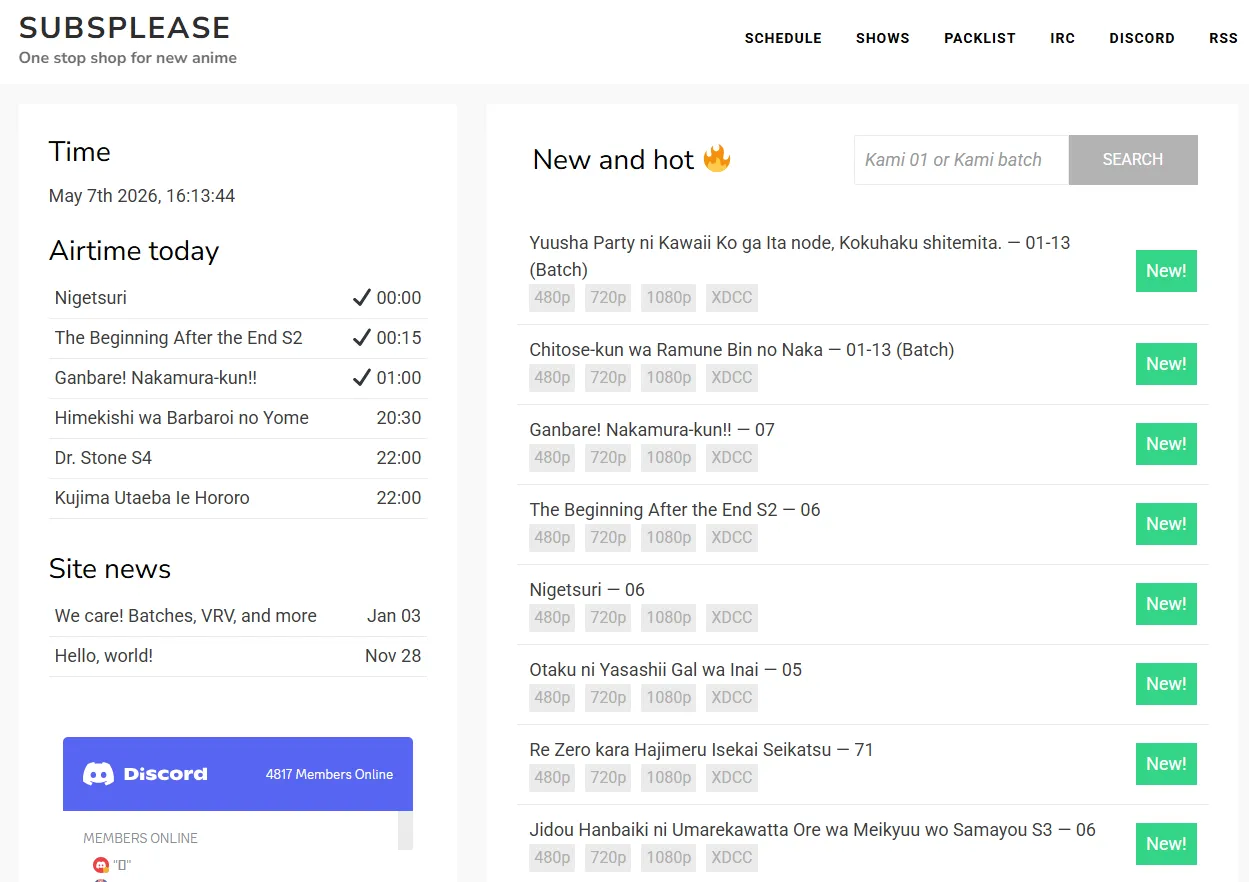
Technical Detail: These are ripped directly from high-speed streaming servers. The bitrate is lower than a Blu-ray but higher than any online streaming site, offering a perfect balance between file size (~1.4GB per episode) and clarity.
Pro Meta: Use their Live Schedule page. It shows a countdown to the exact minute an episode drops. In 2026, many editors use the "Batches" feature at the end of a season to download 12 episodes of cleaned-up Web-DLs in one go.
3. Erai-raws (erai-raws.info)
Official Website: https://www.erai-raws.info/
Best For: Direct-download (DDL) alternatives to torrenting with a focus on ease of access.
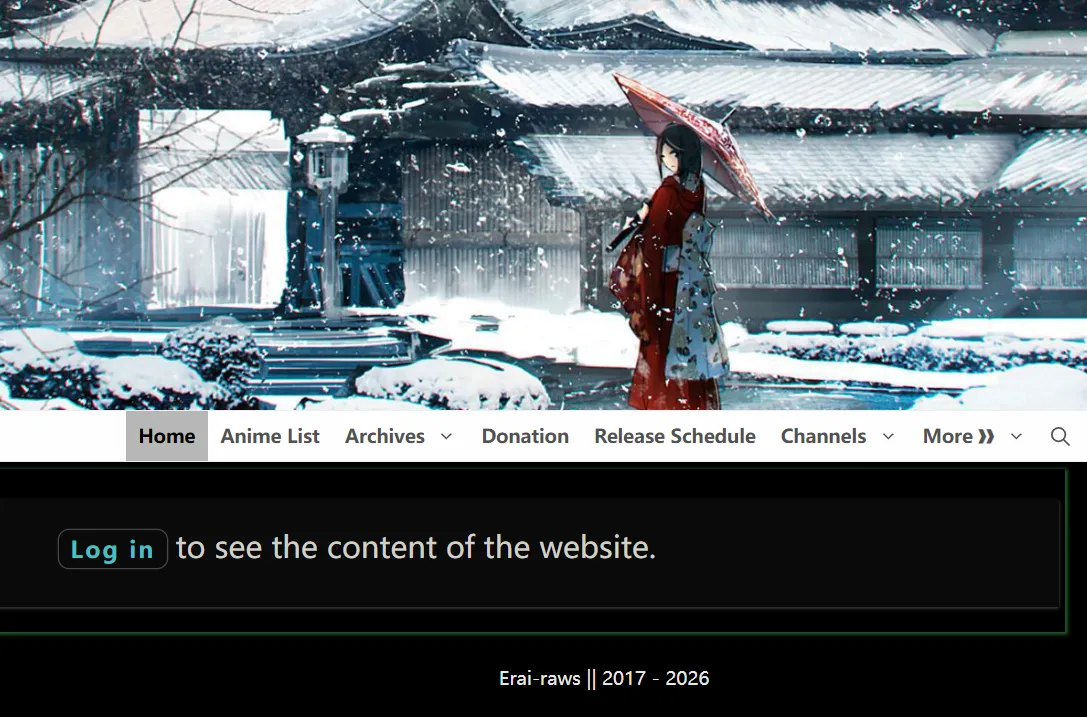
Technical Detail: Provides "Multi-Sub" files (where you can toggle subtitles off in VLC/Premiere). Their DDL (Direct Download) buttons are hosted on Mega or Pixeldrain, offering full-speed downloads without needing a P2P client.
Pro Meta: You must create a free account and log in to see the DDL buttons. If you are editing on a network that blocks Torrents (like a school or corporate office), this is your #1 lifeline for raw episodes.
4. ShanaProject (shanaproject.com)
Official Website: https://www.shanaproject.com/
Best For: Automated hands-free collecting of entire anime series via custom RSS filters.
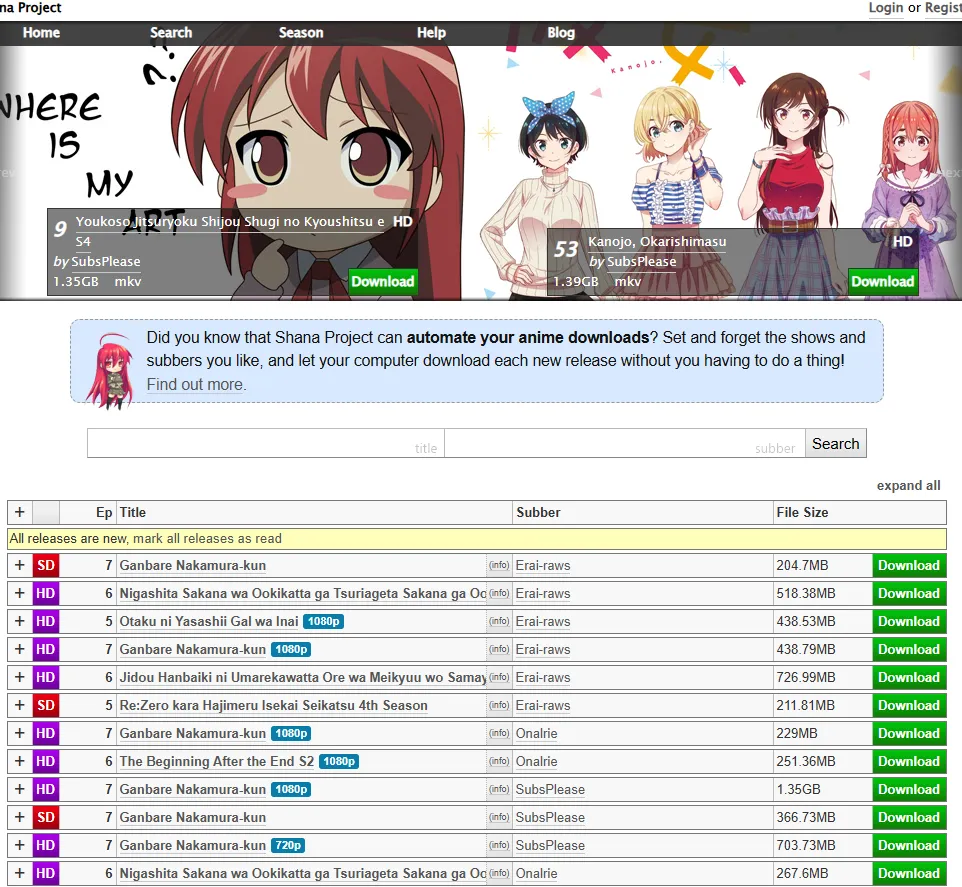
Technical Detail: It acts as a smart layer on top of Nyaa. You set a "Follow" rule (e.g., "Always download Erai-raws 1080p for Jujutsu Kaisen"), and your computer will auto-download new episodes the second they hit the internet.
Pro Meta: Use the "Whitelisting" feature. This ensures you only download from trusted groups, keeping your library organized with consistent frame rates and brightness levels across the whole series.
5. Animeclips.online
Official Website: https://animeclips.online/
Best For: Instant, character-specific clips for TikTok and Reels; perfect for mobile editors who can't store 20-minute episodes.
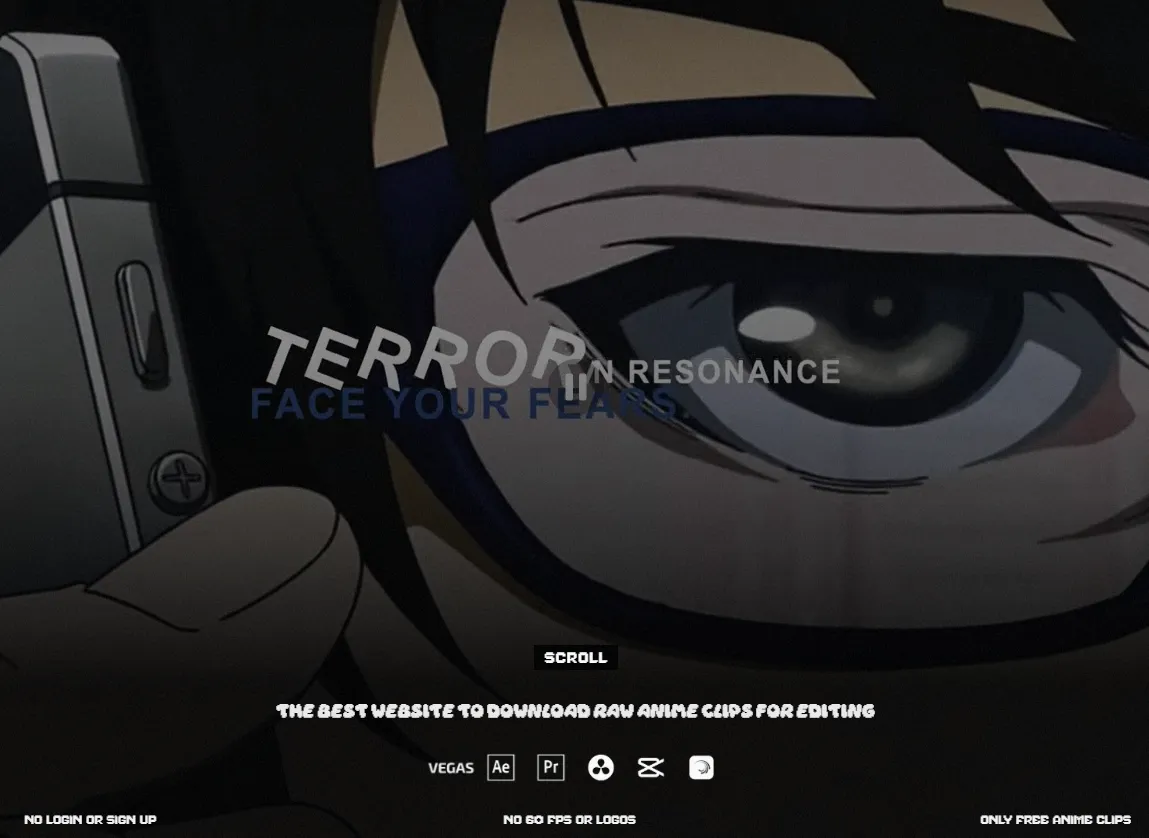
Technical Detail: A high-speed web portal that utilizes AI-tagging. You can search for "Gojo + Fighting" or "Makima + Walking" to find specific actions instantly.
Pro Meta: The site often updates with "Cinematic Cuts"—these are pre-graded clips that look great even without extra effects. Perfect for editors on CapCut who need a "ready-to-use" aesthetic.
6. AnimeClipsRaw (animeclipsraw.fr)
Official Website: https://animeclipsraw.fr/
Best For: AI-Enhanced 4K clips that are pre-sharpened and denoised for a "clean" digital aesthetic.
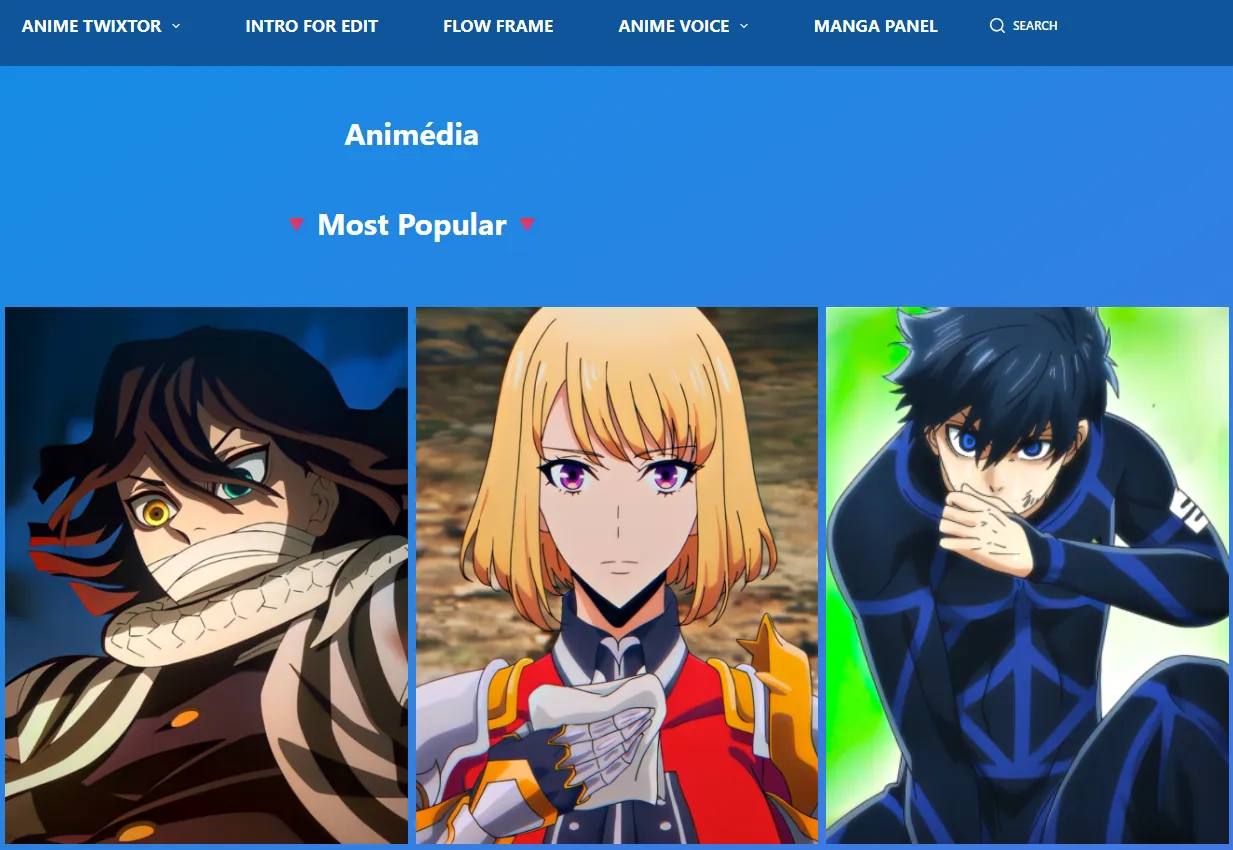
Technical Detail: Most clips here are processed through AI upscalers. They appear much sharper on small mobile screens than native raws, though they lose some organic "film grain."
Pro Meta: Best for "Hard Edits" or "High-Saturation" styles. Since the noise is already removed, you can add heavy "Glow" or "S_Saphire" effects in After Effects without the clip becoming messy.
7. Anime World Twixtor
Official Website: https://animeworldtwixtor.com/
Best For: Smooth Velocity edits that require fluid slow-motion without the "warping" effect.
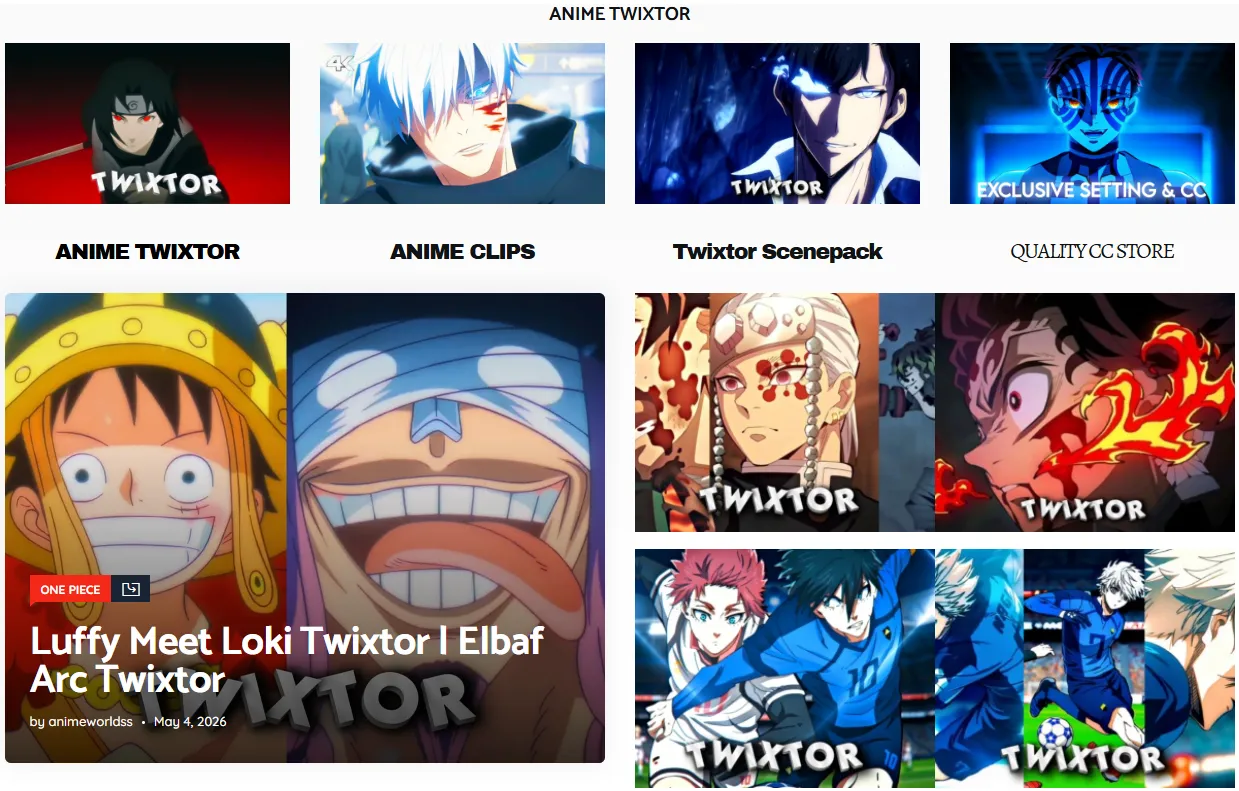
Technical Detail: These clips are pre-interpolated to 60fps or 120fps using AI motion estimation (like Flowframes). This means the extra frames are already "baked in."
Pro Meta: Use these for Impact Frames. When you slow down a 60fps clip to 20% speed, it remains perfectly fluid, whereas a standard 24fps raw would look like a slideshow.
8. Sakugabooru (sakugabooru.com)
Official Website: https://www.sakugabooru.com/
Best For: Finding legendary Sakuga highlights and studying the choreography of specific top-tier animators.
Technical Detail: This is a database, not a video site. Note: Clips are silent (no audio) and contain technical metadata tags on the overlay.
Pro Meta: Search by "Animator" (e.g., Yutaka Nakamura). This allows you to compile the world's best animation into a single "MAD" (Music Animation Video) focused purely on the technical skill of the artists.
9. Discord Communities (Private Vaults)
Official Website: https://discord.com/invite/411
Best For: Private, high-end 4K HDR Scene Packs and community-exclusive project files.
Technical Detail: Servers like 411 Editing or Visual™ act as curation hubs. Members share private Mega.nz folders containing "Project Files" (.aep) and rare, high-bitrate cuts.
Pro Meta: Head to the #resources or #scenepacks channels. Many Discord servers use a bot system—type !pack [Anime Name] to see if a curated high-quality collection exists.
10. Telegram Channels
Official Website: https://telegram.org/
Best For: Instant, one-tap mobile downloads of high-fidelity 4K clips directly to your phone.
Technical Detail: Telegram allows files up to 2GB to be sent as "Documents." This is crucial because it bypasses the app's compression, delivering the raw pixel data directly to your mobile editing app (Alight Motion/CapCut).
Pro Tip: Search for keywords like "Anime Raw Vault" or "4K Scene Packs" in Telegram. Look for channels with a Search Bot in the pinned message—this lets you find clips of specific anime in seconds.
11. Tumblr (#animeraw Tag)
Official Website: https://www.tumblr.com/
Best For: Finding Retro (90s/00s) anime and "Old-Gen" scenepacks that have vanished from the modern web.
Technical Detail: Long-standing veteran editors host massive legacy Mega.nz indexes for classic series like Cowboy Bebop, Evangelion, or Sailor Moon.
Pro Meta: Search by the tag #animeraw and look for "Masterlist" posts. These often contain Google Drive links that have been maintained for years by dedicated archivists.
12. Reddit (r/Animeedits)
Official Website: https://www.reddit.com/
Best For: Finding resource mirrors and updated links when major sites go down or change domains.
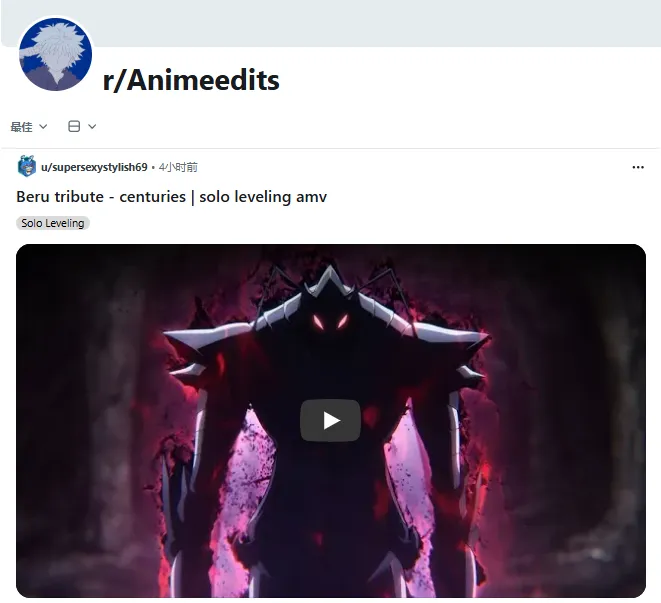
Technical Detail: A community safety net. Reddit is the best place to find "Mega-Threads" where hundreds of Google Drive links for different anime are organized into a single document.
Pro Meta: If you can't find a rare scene, post a "Request" thread. The Reddit community is known for having "Hoarders" who will often upload a rare scene just for you.
Note: As a last resort for extremely obscure or older titles that lack a high-quality Raw or Blu-ray release, streaming sites like HiAnime and Anitaku can be used to recover missing scenes. However, keep in mind that the quality is heavily compressed and often features "Hard-subs" (burned-in subtitles) that cannot be removed. Treat these platforms as a "break glass in case of emergency" option—you will likely need a browser downloader or a high-bitrate screen recorder to extract the footage only when all other high-fidelity sources have failed.
Technical Post-Process – From "Downloaded" to "Edit-Ready"
Downloading the raw is only 50% of the battle. In 2026, most high-quality raws use HEVC (H.265) or AV1 codecs. While these are great for saving space, they are "long-GOP" formats that will make your timeline lag, even on a high-end PC. To ensure a smooth 60FPS editing experience, follow these professional steps.
1. The Proxy & Transcode Workflow
If your After Effects or Premiere is stuttering, you need to convert your raws into an "Editing Codec."
-
The Tool: Use ShanaEncoder (highly recommended for anime) or Handbrake.
-
The Format: Convert your files to ProRes 422.
-
Why? Unlike H.265, ProRes is "frame-based." Every single frame is fully rendered, meaning your CPU doesn't have to struggle to decode the video as you scrub through the timeline.
-
-
Pro Tip: If file size is an issue, use ProRes 422 LT. It maintains 10-bit color for grading but keeps the file size manageable.
2. 4K Reality Check: AI Upscale vs. Native Remux
The "4K" label in 2026 can be misleading. Here’s what you need to know to maintain your reputation as a high-quality editor:
-
The Truth: Most 4K scenepacks are AI-Upscaled using models like Topaz or Real-ESRGAN. While they look sharp on mobile, they can sometimes "hallucinate" details or create a waxy texture on character faces.
-
The Expert Choice: For the best results, download the 1080p Blu-ray Remux from Nyaa. It contains the most organic "Native" detail. If you need 4K, run it through your own AI upscaler (like Topaz Video AI 5.0+) so you can control the sharpness and grain yourself.
3. Avoiding the "VFR" Trap (Variable Frame Rate)
Clips downloaded from streaming sites or screen-recorded often have VFR. This is the #1 cause of audio-sync issues and random crashes in 2026.
-
The Fix: Always ensure your encoder is set to "Constant Frame Rate" (CFR) at exactly 23.976 or 24 fps. This keeps your motion blur and Twixtor effects mathematically perfect.
Conclusion: The Source is Your Canvas
In the world of 2026 anime editing, your source material is the canvas, and your editing is the paint. By mastering these 12 platforms and understanding the technical nuances of your raws, you are no longer just "making a video"—you are crafting a visual experience.
Whether you are hunting for the rarest 90s aesthetic on Tumblr or grabbing the latest 4K Twixtor clips from a Telegram bot, remember that quality is a choice. Spend that extra 10 minutes finding the highest bitrate version; your final render will thank you.
Ready to start your next project? Pick your source, prep your proxies, and go create something legendary.